1
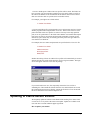
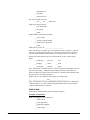
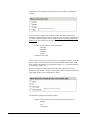
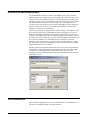
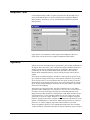
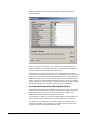
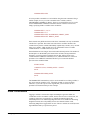
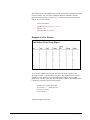
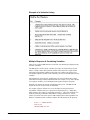
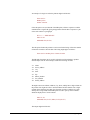
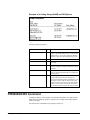
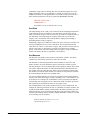
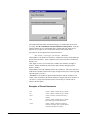
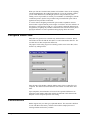
following two dots. Then select File, Merge, and select STATPAC-VERBATIM as
the file to merge.
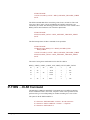
CROSSTABS Command
Crosstabs is one of the easiest ways to look at the relationship between two variables,
and one of the most popular ways of examining categorical data.
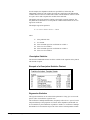
The syntax for the crosstabs analysis is:
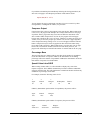
CROSSTABS <Variable list> BY <Variable list>
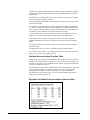
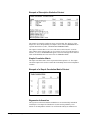
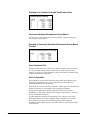
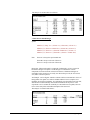
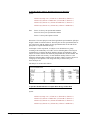
For example, let's look at how people's expectations for learning (EXPECTATION)
are related to their satisfaction with a lecture (SATISFACTION). The command to
request this crosstab analysis is:
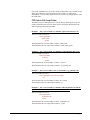
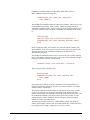
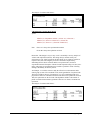
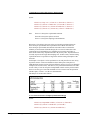
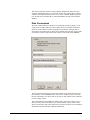
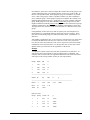
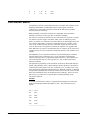
CR EXPECTATION BY SATISFACTION
(CROSSTABS may be abbreviated CR)
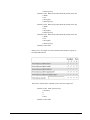
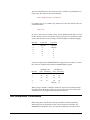
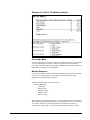
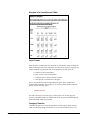
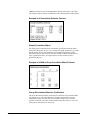
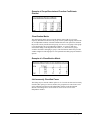
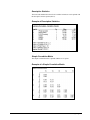
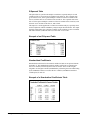
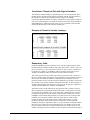
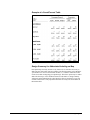
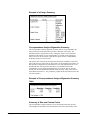
The results will be printed in the form of a two-dimensional matrix. The first variable
(EXPECTATION) will by printed on the y axis, while the second variable
(SATISFACTION) will be printed on the x axis. The keyword BY is a mandatory
part of the statement.
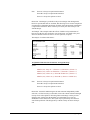
If several different crosstabs are desired, request them by specifying a variable list
instead of an individual variable. For example, you might be interested in both
SATISFACTION with the lecture and the amount of actual LEARNING that
occurred. The command to run this analysis would be:
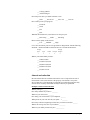
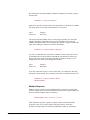
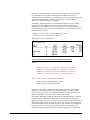
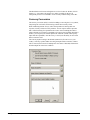
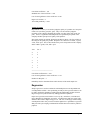
CROSSTABS EXPECTATION BY SATISFACTION, LEARNING
The matrix size that the crosstabs program can accommodate depends on the
available RAM. The variables themselves may be alpha or numeric. StatPac will not
print a row or column when total count for that row or column is zero. Missing data
(blanks) will be excluded from the analysis unless there is a value label for blank
data (e.g., BLANK=Missing data).
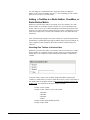
Three-way crosstabs may be requested by the following command:
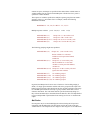
CROSSTABS <Var. list> BY <Var. list> BY <Var. list>
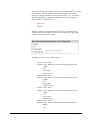
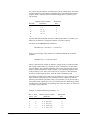
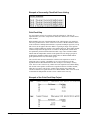
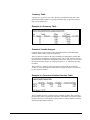
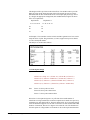
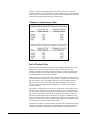
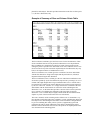
A three-way crosstab is essentially a series of two-way crosstabs controlled for a
third variable. That is, the two-way crosstabs are performed on subsets of the data as
defined by the third variable. For example, consider the following crosstabs
command:
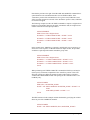
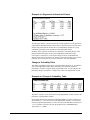
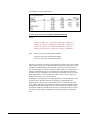
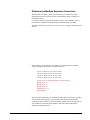
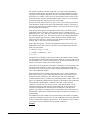
CROSSTABS EXPECTATION BY SATISFACTION BY SEX
274 • Basic Analyses
StatPac For Windows User's Manual