1
File Maintenance
117
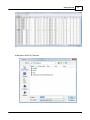
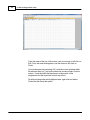
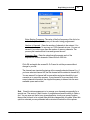
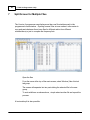
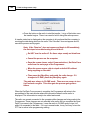
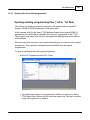
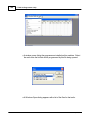
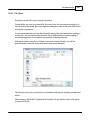
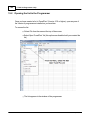
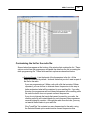
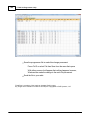
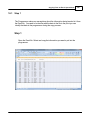
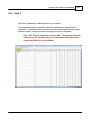
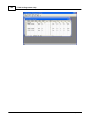
Use your mouse to left click on Local Disk (C) in the list. On your machine this
wording can vary a little. In general, you're looking for that "(C)" to know you've
made the correct selection.
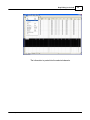
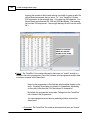
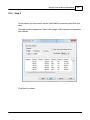
What you see now are directories (the ones with the little yellow folders) and
files. Find the little yellow folder that says Yaesu next to it. Put your mouse on
it and Left click. Once Yaesu is highlighted, let go of the mouse button, move
the pointer to the Open button, then use your mouse to left click on the Open
button.
© 2013 RT Systems, Inc.