1
170 Appendix
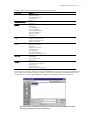
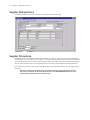
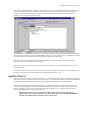
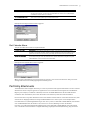
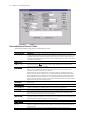
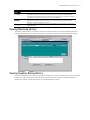
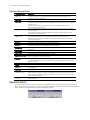
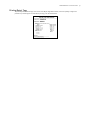
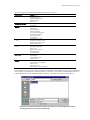
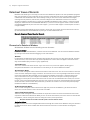
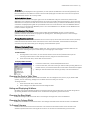
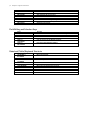
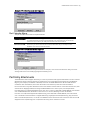
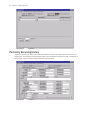
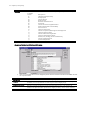
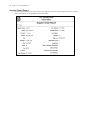
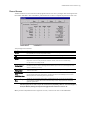
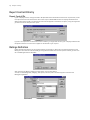
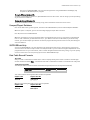
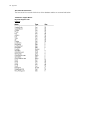
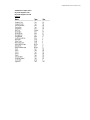
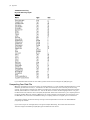
Table Name: Receiving
Key Field: Receiving Log No
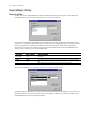
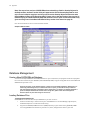
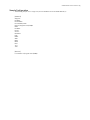
Columns:
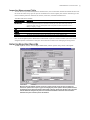
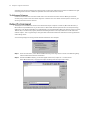
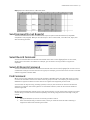
If you need data table formats for other tables, please contact Technical Support at (480) 922-7300.
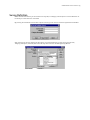
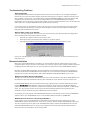
Compacting Your Data File
Whenever you delete a record, the record is not actually deleted - it is only marked as deleted and then re-used
whenever you add new records (i.e., the data file size does not decrease). In the event that you delete many
records, you may want to compact your data file so that all the records that are marked as deleted are actually
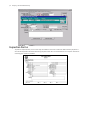
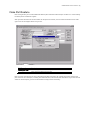
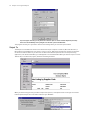
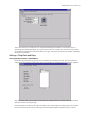
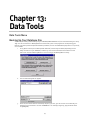
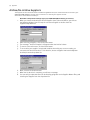
deleted, and the data file is reduced in size. This can be done from within the Running Application. Just go to
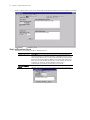
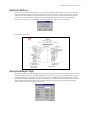
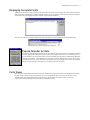
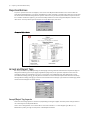
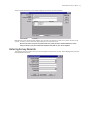
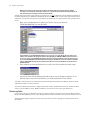
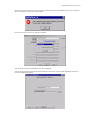
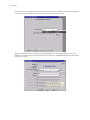
the Data Tools area, and then click on Compact / Repair Data. When this Tool Executes, your company name at
the top of the Main Menu will change to #Name? It will remain that way until the Repair tool terminates, then
the Main Menu will reconnect to the database and your company name will re-appear just as it was before.
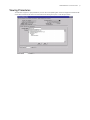
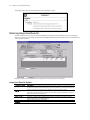
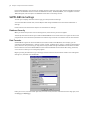
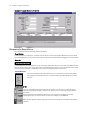
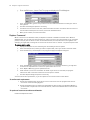
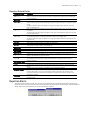
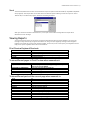
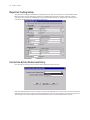
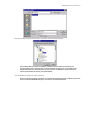
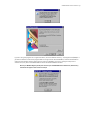
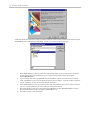
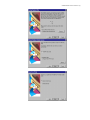
The Compact / Repair can also be done by clicking on the Compact Data icon found in the SUPPLIERtrak
program group window.
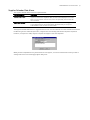
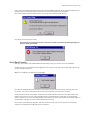
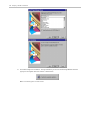
If you receive any error messages when running the Compact Data utility, write them down and contact
Technical Support immediately at (480) 922-7300 for additional instructions.