1
Menu Operation
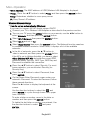
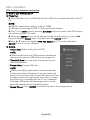
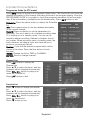
Wired Network Configuration
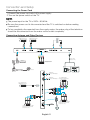
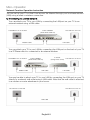
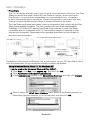
1. Connect your TV to your LAN as described in the
previous section.
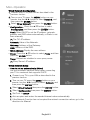
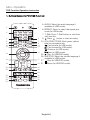
2. Turn on your TV, press the MENU button on your
remote, use the ◄/► button to select Network, and
then press the ENTER button.
3. Select Wired Network then press the ENTER button.
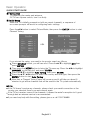
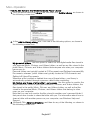
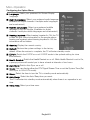
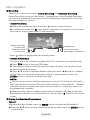
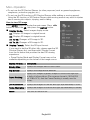
– Configuration:Press the ▲/▼ button to select
Configuration, and then press the ENTER button.
Conf.: Select DHCP to set the IP address, netmask,
gateway and DNS values automatically, or Static to set
them manually.
IP: The TV’s IP address.
Netmask: Value of the Netmask.
Gateway: Address of the Gateway.
DNS: Address of the DNS.
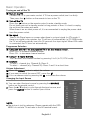
– MAC Address: Display the mac address.
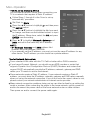
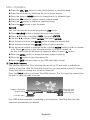
– Proxy:Press the ▲/▼ button to select Proxy, and then
press the ENTER button.
Proxy: Determines whether to use a proxy server.
IP: Proxy Server’s IP address.
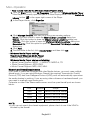
W ired Network Setup
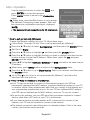
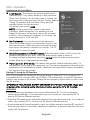
– How to set up automatically (Wired)
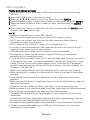
Use the Automatic Network Setup when connecting
your TV to a network that supports DHCP.
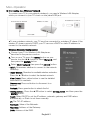
1. Connect your TV to your LAN as described in the
previous section.
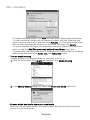
2. Turn on your TV, press the MENU button on your
remote, use the ◄/► button to select Network, and
then press the ENTER button.
3. Select Wired Network then press the ENTER button.
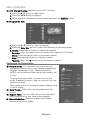
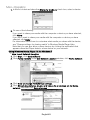
4. Select Configuration then press the ENTER button.
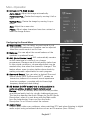
5. Set Conf. to DHCP.
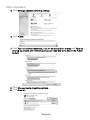
6. Auto acquires and enters the needed Internet values automatically.
7. If the Network Function has not acquired the network connection values, go to the
directions for Manual.
English19