1
AMD Confidential
User Manual
August 22nd, 2006
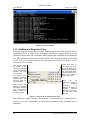
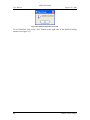
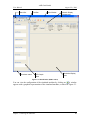
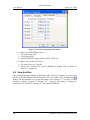
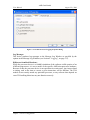
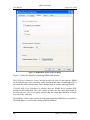
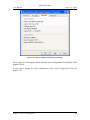
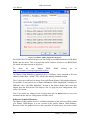
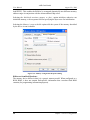
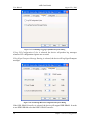
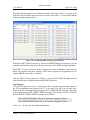
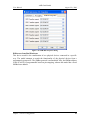
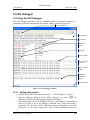
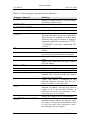
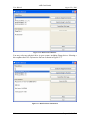
A device's connection appears in the “Connections” tab of the Device Properties window
for each device, as shown in Figure 3-4.
When you add a connection, the simulator shell sends a reset message to all of the
devices in the workspace. The global reset is equivalent to power-cycling the simulated
computer system.
3.2.2.2 Configure Device
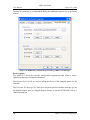
Most devices provide configuration options. Selecting “Configure Device” from the
workspace popup menu produces a dialog window containing options for the specified
device.
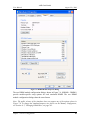
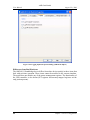
Selecting the “Connections” tab in the Device Properties window will display a list of all
connections between the specified device and any other devices in the workspace.
3.2.2.3 Disconnect Device
Please note that this feature is not supported by the public release version of the
simulator. Selecting “Disconnect Device” from the workspace popup menu removes all
connections to the specified device.
3.2.2.4 Delete Device
Please note that this feature is not supported by the public release version of the
simulator. Selecting Delete Device from the workspace popup menu removes all
connections to the specified device, and removes the device from the workspace.
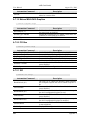
3.2.3 Example Computer Description
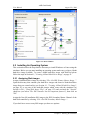
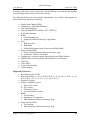
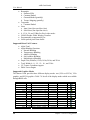
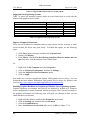
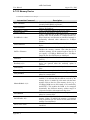
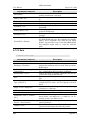
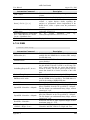
In this section we describe the major components of the computer simulation contained in
the “cheetah_1p.bsd” file.
12
Chapter 3: Graphical User Interface