1
Appendix A | Selecting and Using Probability Distributions
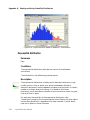
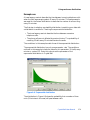
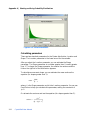
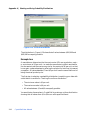
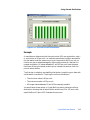
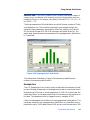
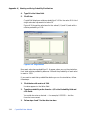
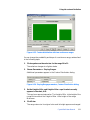
In this example, the same company decides that the unit cost of the new
product can vary widely. The company feels it has a 20% chance of being any
number between $10 and $20, a 10% chance of being any number between
$20 and $30, a 30% chance of being any number between $40 and $50, a 30%
chance of being a whole dollar amount between $60 and $80, and there is a
5% chance the value will be either $90 or $100. All the values have been
entered on the worksheet in this order: range minimum value, range
maximum value (for all but Single Value ranges), total probability, and step
(for the Discrete Range only).
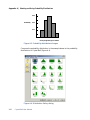
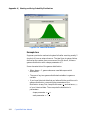
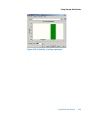
Figure A.37 Four-column custom data range
In this case, discrete ranges have the most parameters. So, you can create an
assumption, choose Custom Distribution, and then choose Parameters >
Discrete Ranges before loading the data.
Crystal Ball Note: If your data also included discrete sloping ranges, you could choose
Parameters > Sloping Ranges before loading the data. The data table would then have
five columns and could accommodate all data types.
Once the Parameters setting has been made, you can follow these steps to
complete the data load:
1. Click the More button to the right of the Name field.
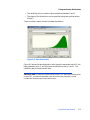
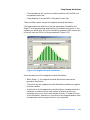
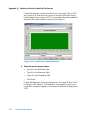
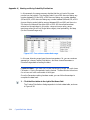
The Custom Distribution dialog expands to include a data table, as shown
in Figure A.38.
324
Crystal Ball User Manual