1
DATOSPIR TOUCH User’s Manual
3.4
30
MAINTENANCE PROGRAM
The equipment has an internal diagnostic program to perform
system checks and several adjustments.
DO NOT OPEN the instrument to carry out the maintenance
program. Doing so, within the WARRANTY PERIOD WILL VOID THE
WARRANTY.
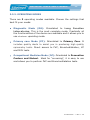
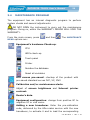
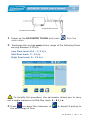
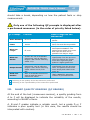
From the main screen, press
and then
.
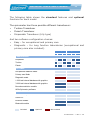
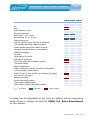
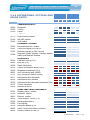
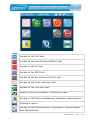
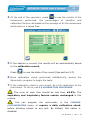
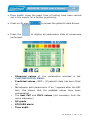
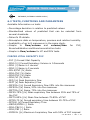
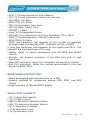
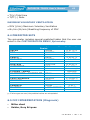
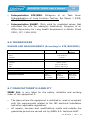
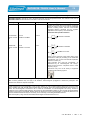
The MAINTEANCE
MENU options are:
Equipment’s hardware Check-up:
CPU
ADCs check-up
Touch panel
Printer
Reindex the database
Reset all variables
ATS curves pre-saved: checkup of the product with
pre-saved standard curves FVC, VC, MVV
Calibration and/or maintenance alerts.
Adjust of screen brightness and Internal printer
contrast.
Dealer’s data.
Equipment configuration: change from positive VC to
negative VC or vice versaAdding a new transducer. Enter the pre-calibration
code, delivered by the After-sales service with the new
transducer, to activate it and to load the corresponding
511-B00-MU2
•
REV. 1 .06