1
Chapter 9: Using Schedule Reports
9-9
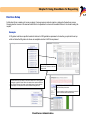
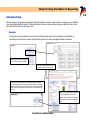
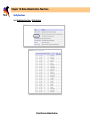
Full Sections
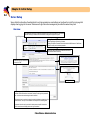
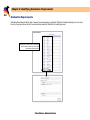
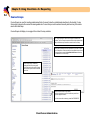
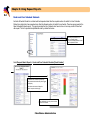
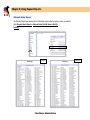
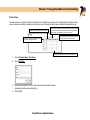
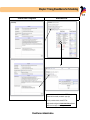
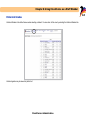
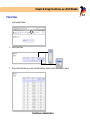
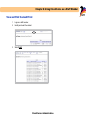
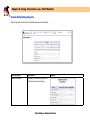
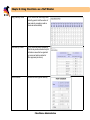
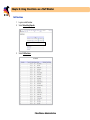
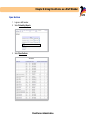
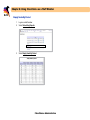
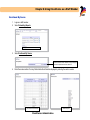
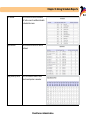
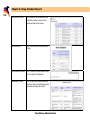
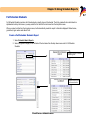
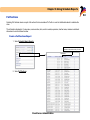
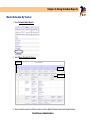
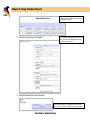
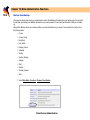
Selecting Full Sections returns a report of all sections that are considered “full” with no room for additional students to schedule the
class.
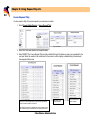
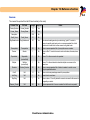
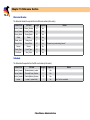
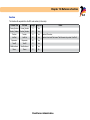
The information displayed is: Course name, course number, term, section number, expression, teacher name, maximum enrollment
allowed and current enrollment number.
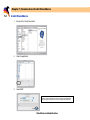
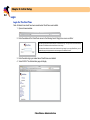
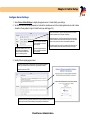
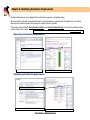
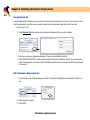
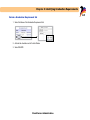
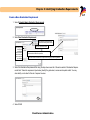
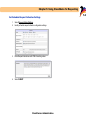
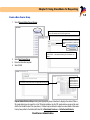
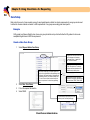
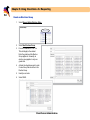
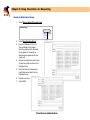
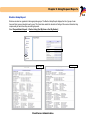
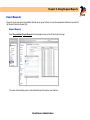
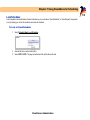
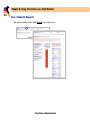
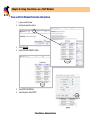
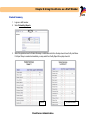
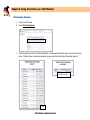
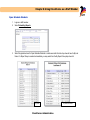
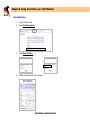
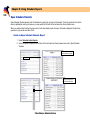
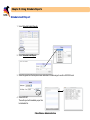
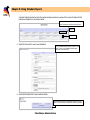
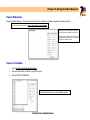
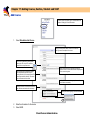
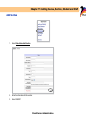
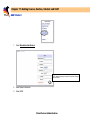
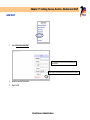
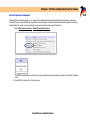
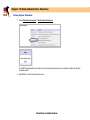
Create a Full Sections Report
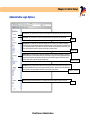
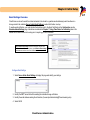
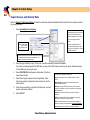
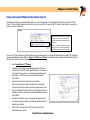
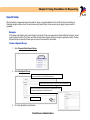
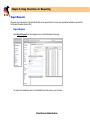
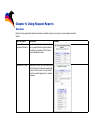
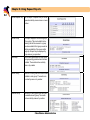
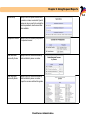
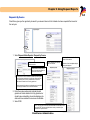
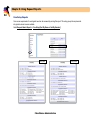
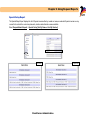
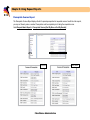
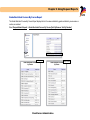
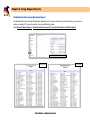
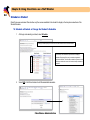
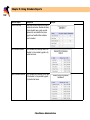
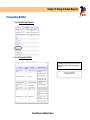
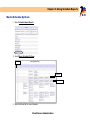
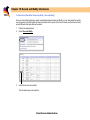
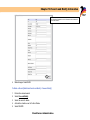
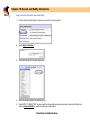
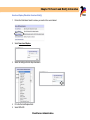
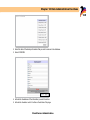
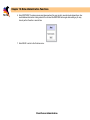
1. Select Schedule Admin Reports.
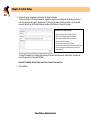
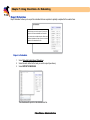
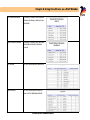
Expression is the period and day of a class.
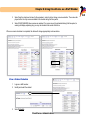
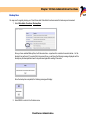
2. Select Full Sections.
ClassChoice: Administration