1
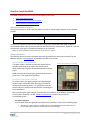
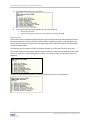
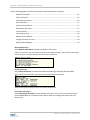
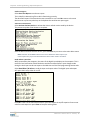
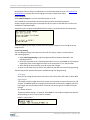
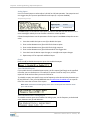
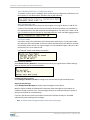
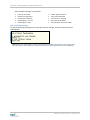
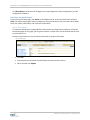
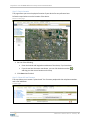
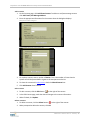
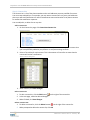
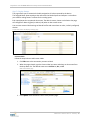
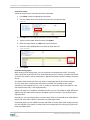
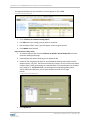
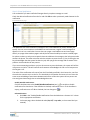
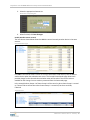
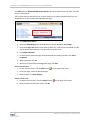
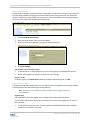
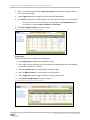
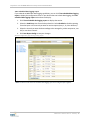
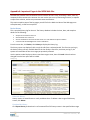
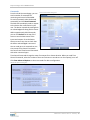
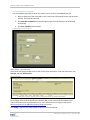
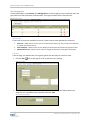
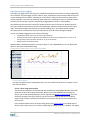
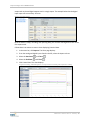
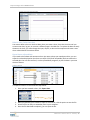
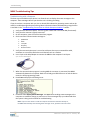
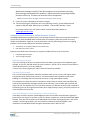
Step Two: Local Programming / Input & Output Test 6. Press Enter to display the firmware menu. 7. Set the desired parameters as needed. 8. To end the local programming session, do one of the following: Remove the connector. Exit the communication program on the computer by selecting option 8. Menu Options The firmware menu that displays depends upon the options selected and the radio installed in the unit. The physical location where you install the device and the availability of cellular coverage dictates the type of radio the device uses. Some units use CDMA-type cellular radios while others use GPRS cellular or Iridium satellite radios. The following sections explain the different options available in the firmware menu for each radio. The number before the menu option indicates what number key to press on the keyboard to select that option. For example, in the following menu, to select "Local Programming" you would press 4 on the keyboard. To select "Configure Remote I/O Units" in the following menu, press 7 on the keyboard. M844 User's Manual Rev.3.1.102610 | 15