1
Step Two: Local Programming / Input & Output Test
Use the following guide to find the menu option you need information for quickly:
Modem Utility Menu ..................................................................................................................... 16
Check Cell Service.......................................................................................................................... 16
Clear Daily Call Counter................................................................................................................. 16
Send Test Report ........................................................................................................................... 17
Activate Verizon Service................................................................................................................ 17
Read and Set I/O Values ................................................................................................................ 17
Control Outputs............................................................................................................................. 18
Local Programming ....................................................................................................................... 18
Restore Factory Defaults ............................................................................................................... 20
Configure Remote I/O Units .......................................................................................................... 20
Display Status Messages ............................................................................................................... 20
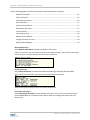
Modem Utility Menu
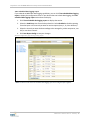
Select Modem Utility Menu to display the Modem Utility menu.
From this sub-menu, you can check the cellular service signal strength, clear the daily call counter,
send a test report, and activate the cellular service to the device.
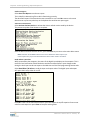
Check Cell Service
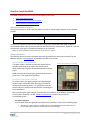
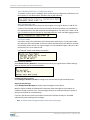
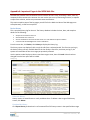
Select Check Cell Service to measure and display the Radio Signal Strength Indicator (RSSI).
This is useful for testing fringe area signal strength and antenna orientation.
After the test, press any key to return to the main device menu.
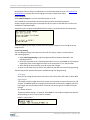
Clear Daily Call Counter
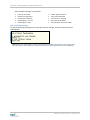
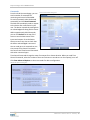
Select Clear Daily Call Counter to clear the daily call counter. You can also clear the call counter
from the M2M Web site. The device reports that it saved your changes and displays the main
device menu.
M844 User's Manual Rev.3.1.102610 | 16