1
7.
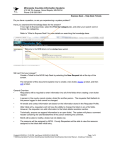
Click the Add button. Your “JTAG Chain Setup” window should look like this:
8.
Save your work in a JTAG Chain File for future
use. To do so, click on the Save button. This
action brings up the “Save As” dialog box. Type
tutor8xx in the “File name:” box, and click
Save. The file tutor8xx.jcf will be created. This
is now identical to the file we were working with
before.
WSI Inc. - Fremont CA - 800-832-6974 -
waferscale.com
51