1
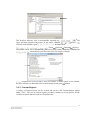
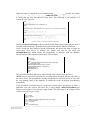
The NexGen software, uses a customizable reporting to
types and then generates the report. In the above example,
selected as the default report
Routine Herd .
FR3 file
ref.FR3
Tools
Options
Options
Software
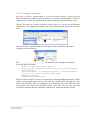
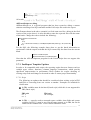
The printer can be set to automatically print out a report when a batch has completed its
Automatically print the batch when last sample is done ).
Automatically print the batch when last sample is done option is not selected,
the user will have to manually select a batch and press the print
button.
3.6.2. Custom Reports
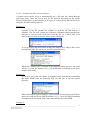
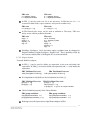
A variety of custom reports can be created and saved to the Custom Report option
under 'Tools'. The use of custom reports provides a means to set up queries for the
creation of reports that are used on a frequent basis.
_____________________________________________________________________________________________________________
NexGen User Manual
Bentley Instruments Inc.
69