1
FastReport Studio – User Manual
103
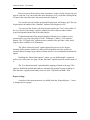
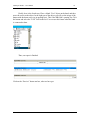
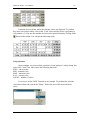
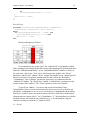
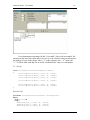
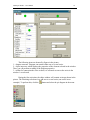
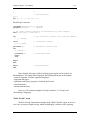
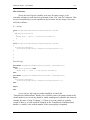
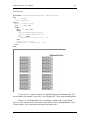
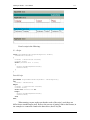
Let us create a blank project in Delphi. Put the “TfrxReport” component to the
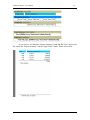
form. Enter the designer and click on the “New report” button for FastReport to
automatically create a blank template. Switch to the "Code" bookmark and write the
following script:
C++ Script:
{
ShowMessage(“Hello, World!”);
}
Pascal Script:
begin
ShowMessage('Hello, World!');
end.
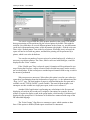
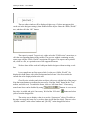
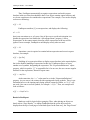
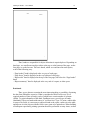
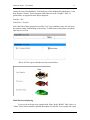
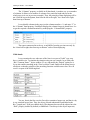
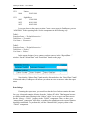
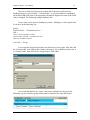
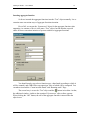
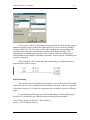
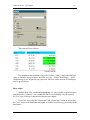
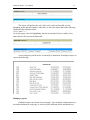
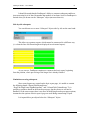
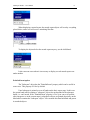
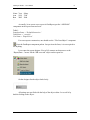
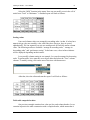
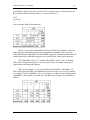
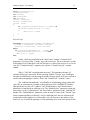
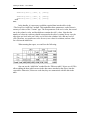
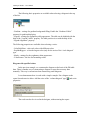
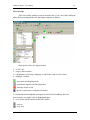
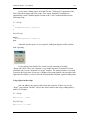
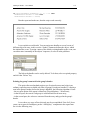
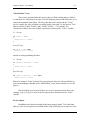
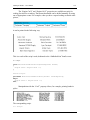
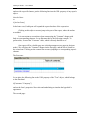
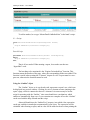
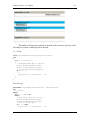
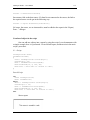
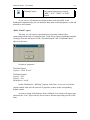
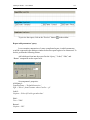
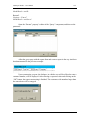
After that, run the report. As we expected, FastReport displays a little window
with a greeting:
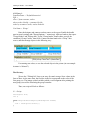
Let us explain some details. We created a script consisting of a single
“begin..end” block. Thus, our script has a very simple structure; it consists of a main
procedure only (see the “Structure of a script” chapter). The main procedure is executed
as soon as the report runs. In our case, it displays a greeting window; the procedure ends
right after the window is closed. After the main procedure finished, report building starts.
Using objects in the script
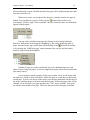
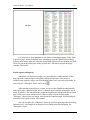
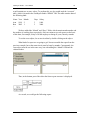
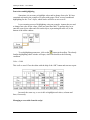
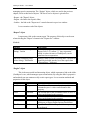
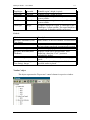
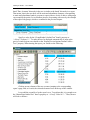
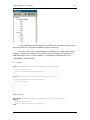
One can address any report’s object from the script. So, if there are, say, the
“Page1” page and the “Memo1” object, one can use them in the script, calling them by
names, for example:
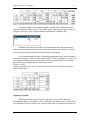
C++ Script:
Memo1.Color = clRed
Pascal Script:
Memo1.Color := clRed