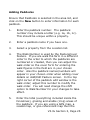
1
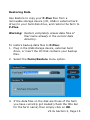
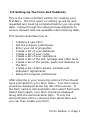
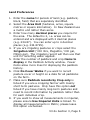
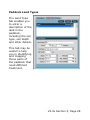
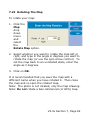
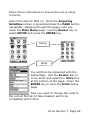
areas; Crop Rows is the layer to place the crop
rows that are automatically generated through
the Make Crop Rows routine. Effluent is the
layer to highlight Effluent Management zones
and Hazard is to show Hazardous Areas. See
7.32 Effluent and Hazard Zones for details on
how to create these.
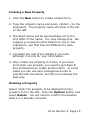
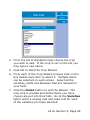
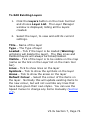
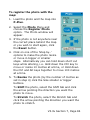
5. If desired, use the Copy existing map layer list
to copy lines or points from an existing layer,
onto the new layer being created.
When creating a Part Paddocks or Grazing
Breaks layer you will need to copy the existing
fences (from the Map Lines layer) to the new
layer to use as guides to draw the internal
paddock boundaries between parts or breaks.
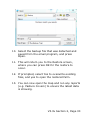
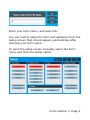
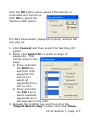
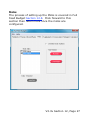
6. Click on OK. Your newly created layer will now
appear on the layers list in the tool bar, with the
visible check box ticked.
V3.3x Section 7, Page 73