1
To measure the length of a number of joined
lines:
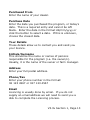
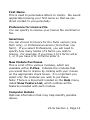
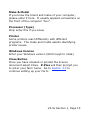
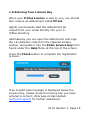
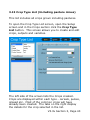
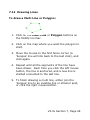
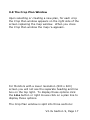
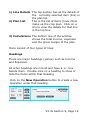
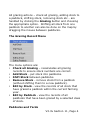
1. Click the Poly line button.
2. Click on the map where you want the polyline to
start, move the mouse to the first corner and click
again.
3. Repeat for each corner. Each time you click the
left mouse button, the line is anchored, and a new
line is started connected to the last line.
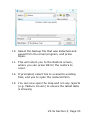
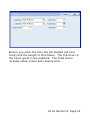
4. The length of the line is displayed in the distance
box as you draw. The area enclosed by the
polyline (with the first and last points joined) is
shown in the area box.
5. When you have finished drawing the polyline, click
the right mouse button and the lines will
disappear.
To measure the length of a line existing on the
Map:
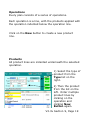
1. Click the Map button.
2. Select a line on the map by clicking on one of the
strainer posts (if they are shown), or the centre of
a line. Select multiple lines by holding down the
Control (Ctrl) key as you click on additional lines.
3. The length of the selected lines is displayed in the
distance box.
V3.3x Section 7, Page 79