1
Configuration
SVC Connection
SVC Connection
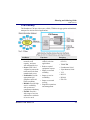
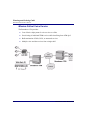
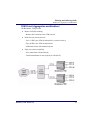
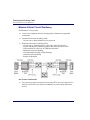
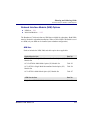
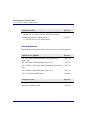
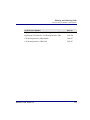
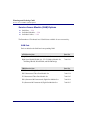
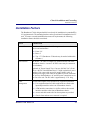
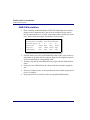
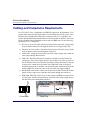
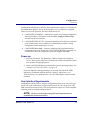
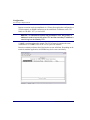
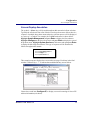
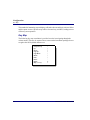
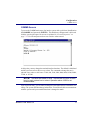
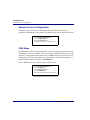
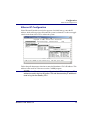
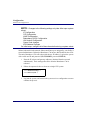
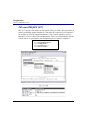
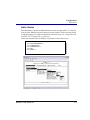
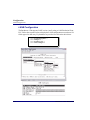
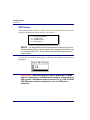
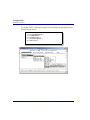
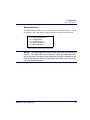
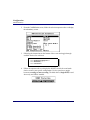
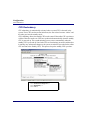
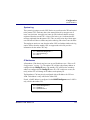
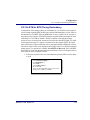
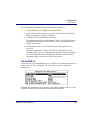
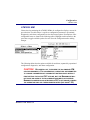
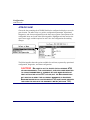
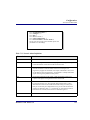
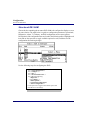
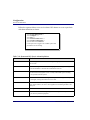
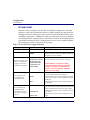
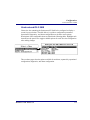
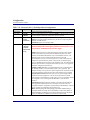
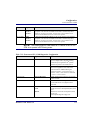
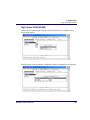
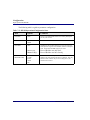
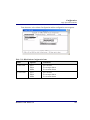
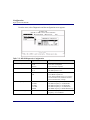
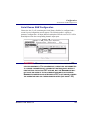
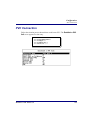
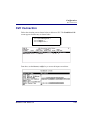
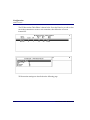
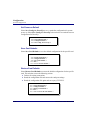
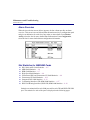
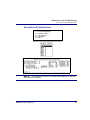
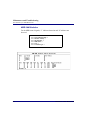
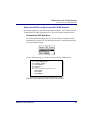
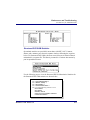
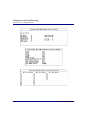
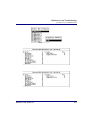
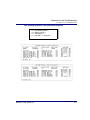
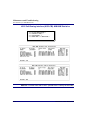
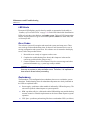
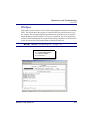
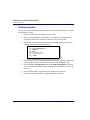
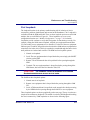
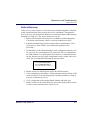
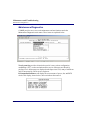
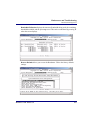
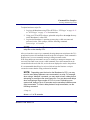
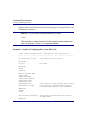
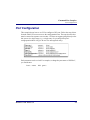
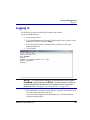
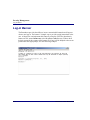
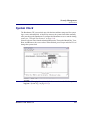
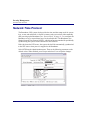
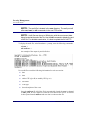
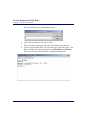
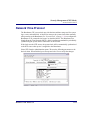
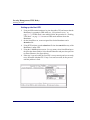
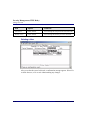
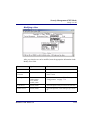
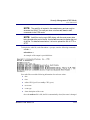
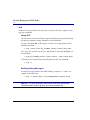
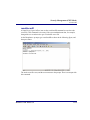
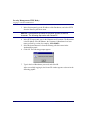
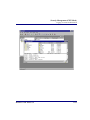
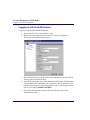
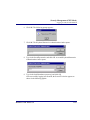
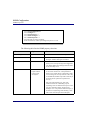
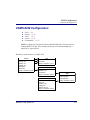
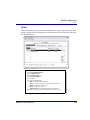
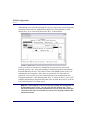
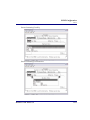
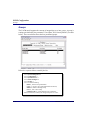
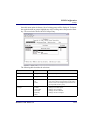
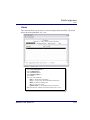
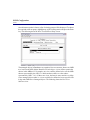
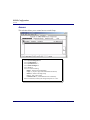
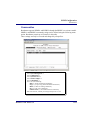
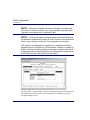
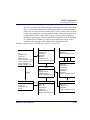
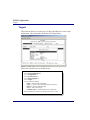
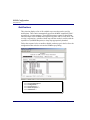
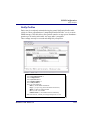
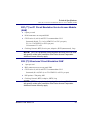
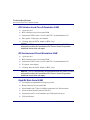
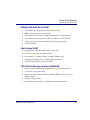
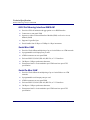
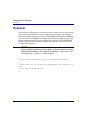
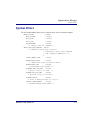
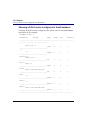
Follow the selection process shown below to add a new SVC. The Establish a Call
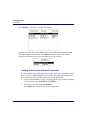
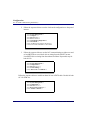
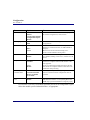
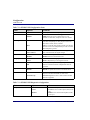
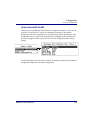
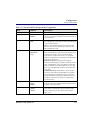
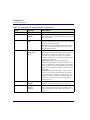
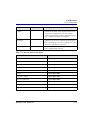
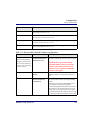
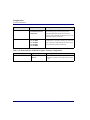
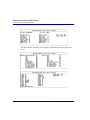
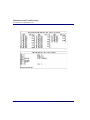
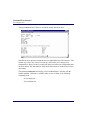
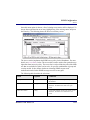
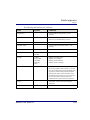
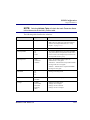
screen appears for data entry as shown below.
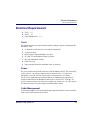
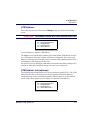
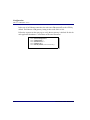
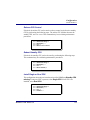
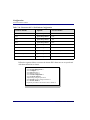
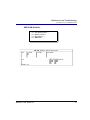
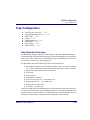
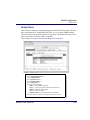
Select System Management
Select Configure ↵
Select Configure SVC ↵
↵
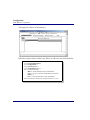
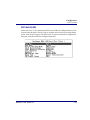
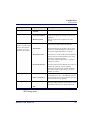
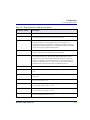
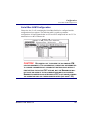
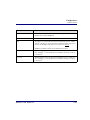
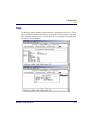
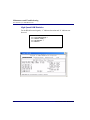
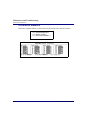
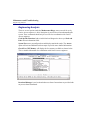
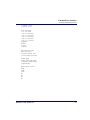
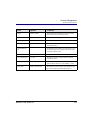
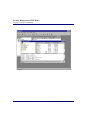
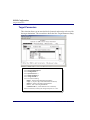
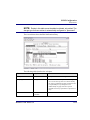
From here, use the Insert (or shift:) key to access the input screen below.
Broadmore 1700 - Release 4.6
7-101