1
Security Management
User Audit Trails
Deleting Audit Trails
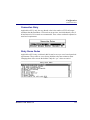
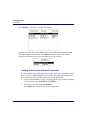
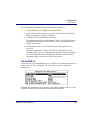
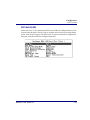
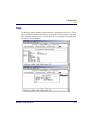
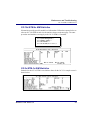
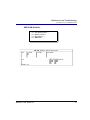
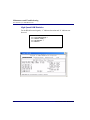
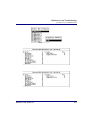
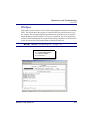
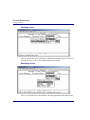
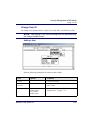
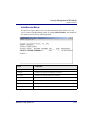
A user can delete the contents of the system log by using the CAMMI
(Maintenance/Diags, View System Log, Delete command) or the
corresponding CLI command. However, this only deletes the events that can
be viewed by their access level.
Archiving Audit Trails
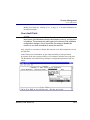
A SuperUser can archive the audit.txt and audit_o.txt files using an FTP
client to copy the files to another computer or storage device. After logging in
with FTP, navigate to the cam directory and locate the audit.txt and audit_o.txt
files.
System Log
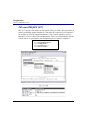
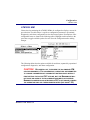
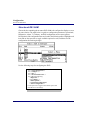
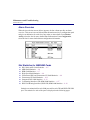
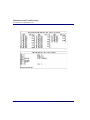
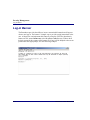
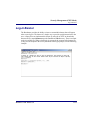
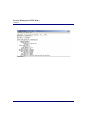
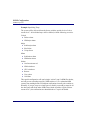
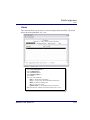
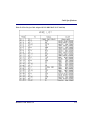
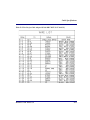
The system log file sys.log is a circular file that contains a recent history of
system users, events, and alarms. Old records are overwritten by new records.
The log file identifies the currently active CPU and any user currently logged
into the Broadmore. All users can use the CAMMI interface to view those
system events permitted by their access role (see “Maintenance/Diagnostics”
on page 8-46). Only a SuperUser can copy or delete the sys.log file. After
logging in using an FTP client, navigate to the cam directory and locate the
sys.log file. The system log can be deleted and archived in much the same way
as the audit log files.
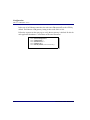
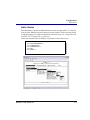
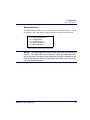
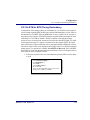
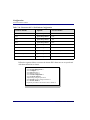
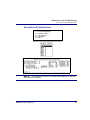
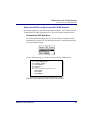
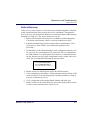
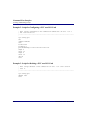
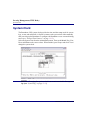
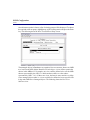
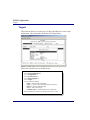
For example, the SuperUser can delete the sys.log file by using the del shell
command, as in the following example.
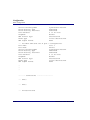
cd cam ↵
del sys.log ↵
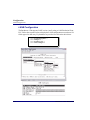
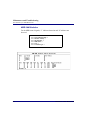
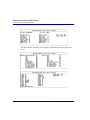
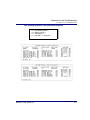
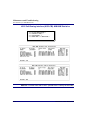
Rather than using FTP, a SuperUser can also display or delete the system log
through the Command Line Interface.
Broadmore 1700 - Release 4.6
10-15