1
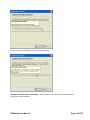
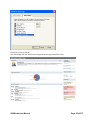
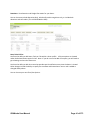
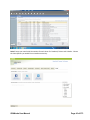
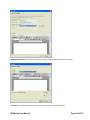
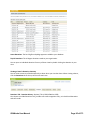
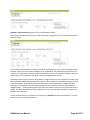
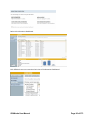
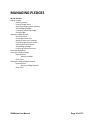
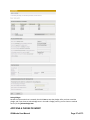
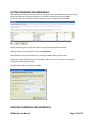
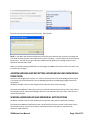
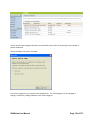
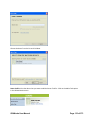
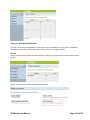
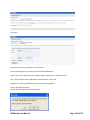
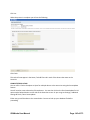
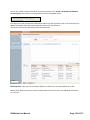
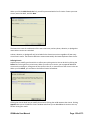
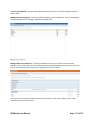
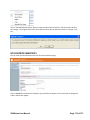
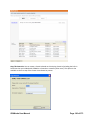
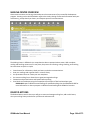
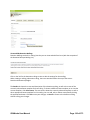
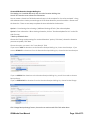
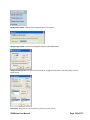
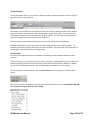
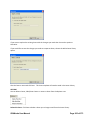
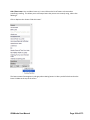
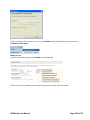
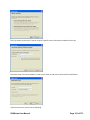
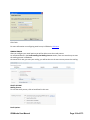
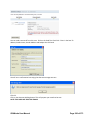
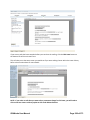
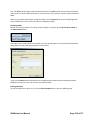
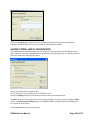
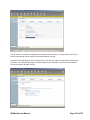
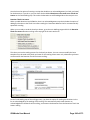
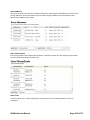
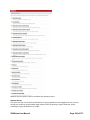
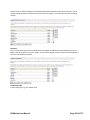
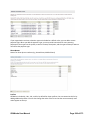
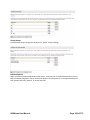
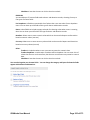
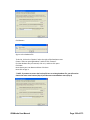
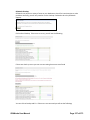
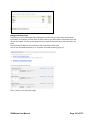
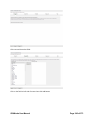
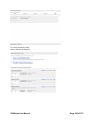
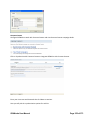
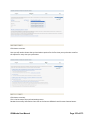
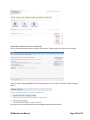
To delete an honoraria or memorial, click the desired record title, then click on the Delete button.
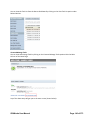
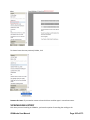
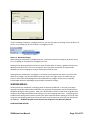
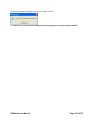
You will need to confirm this action.
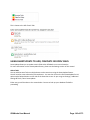
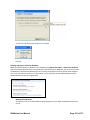
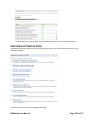
HIDING HONORARIA AND MEMORIALS
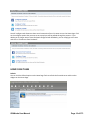
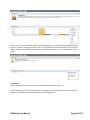
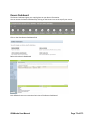
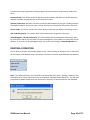
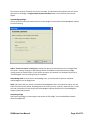
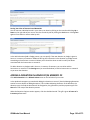
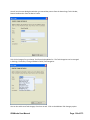
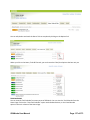
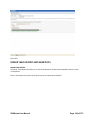
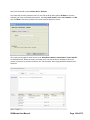
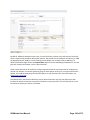
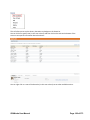
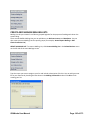
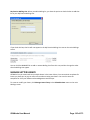
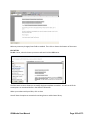
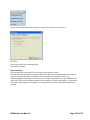
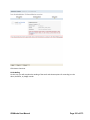
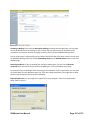
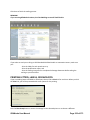
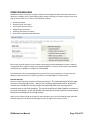
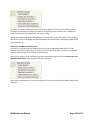
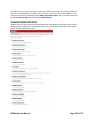
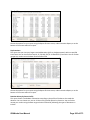
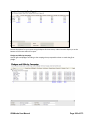
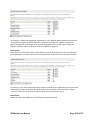
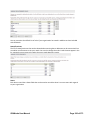
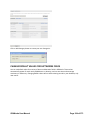
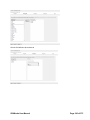
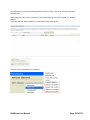
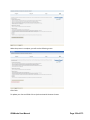
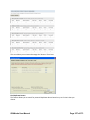
The Display column in your Honoraria/Memorials view indicates the current display status for your
records. Visible records can be selected each time you indicate that a new donation is given in honor or
in memory of someone. Hidden records are not available in the selection box.
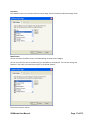
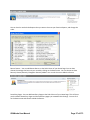
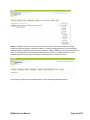
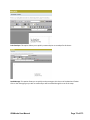
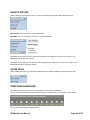
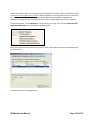
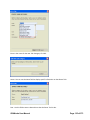
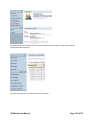
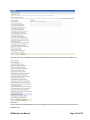
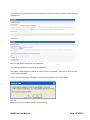
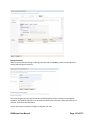
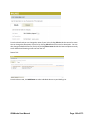
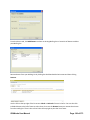
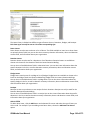
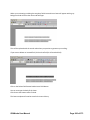
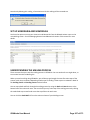
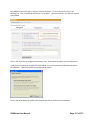
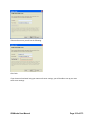
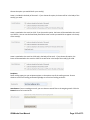
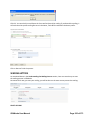
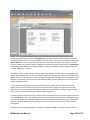
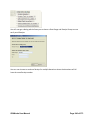
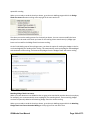
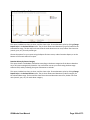
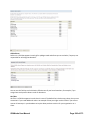
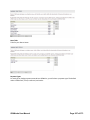
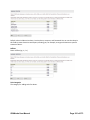
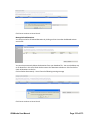
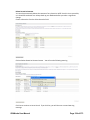
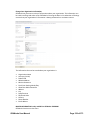
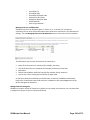
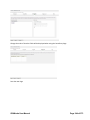
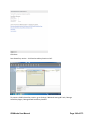
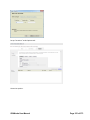
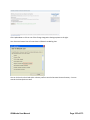
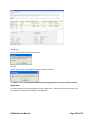
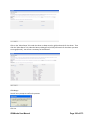
To hide a record that is currently visible, click the record and then click Hide on the right side of your
screen. To show a record that is currently hidden, click the record and then click Show on the right side
of your screen.
GiftWorks User Manual
Page 119 of 373