1
Synchronization Conflicts
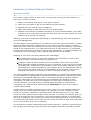
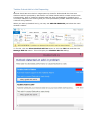
If you sometimes use Exchange Server offline, or sync with a mobile device, then you
may get a "Synchronization Conflict" error or warning when you run Taskline. This
happens when your local copy of an Outlook item is different to the copy held on
Exchange Server or other device, and Outlook is unable to reconcile the differences
automatically. The Taskline message should give you the name of the task or
appointment that is causing the conflict.
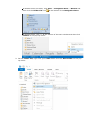
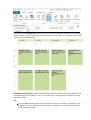
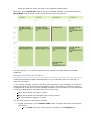
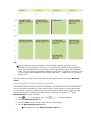
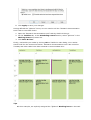
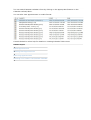
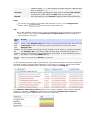
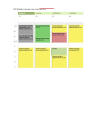
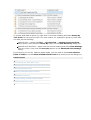
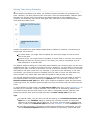
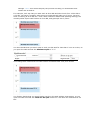
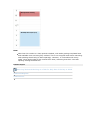
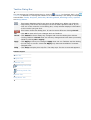
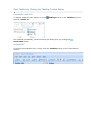
The tasks or appointments that have failed to synchronize are shown on the task table
view or the calendar with the task or appointment icon being replaced with a yellow
diamond with red arrows. You will need to open these tasks or appointments to resolve
each synchronization conflict manually.
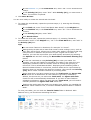
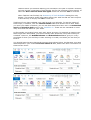
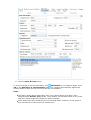
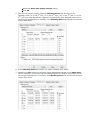
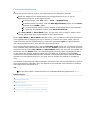
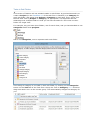
If you can't see the yellow diamond, you'll need to add the icon column to the task table
view, for example by using the Outlook Field Chooser.
You also need to make sure that your current view has filtering switched off, otherwise
you may end up hiding those tasks or appointments that have the synchronization
conflicts.
Related Topics
Microsoft® Exchange Server Synchronization Issues