1
Dbedit Commands
General Notes
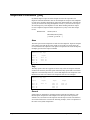
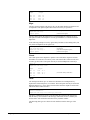
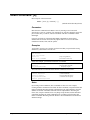
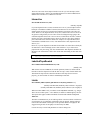
When you run Dbedit, it prompts for commands on Stdlist with a "#" character and
reads command lines from Stdin. Dbedit commands have a command name followed
by one or more parameters separated by semicolons, colons, and commas.
Semicolons are NOT used to combine several commands on the same line as in
Suprtool.
This chapter describes the Dbedit commands in detail. The commands are presented
in alphabetical order. Each command name is followed by the minimal abbreviation
for the command, in brackets. For example: [F] for File and [FO] for Form.
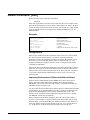
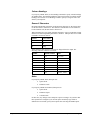
Abbreviating
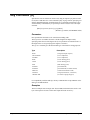
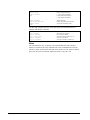
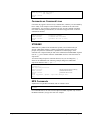
You may shorten command names to any substring that uniquely defines the
command. For example, Add can be shortened to AD or A, since there are no other
commands that start with "A". Form, however, can be abbreviated only to FO, since
there is a File command, abbreviated F, in Dbedit.
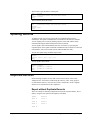
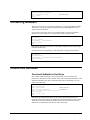
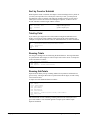
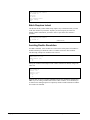
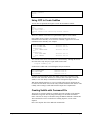
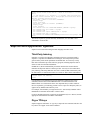
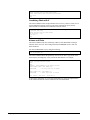
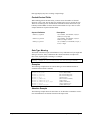
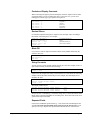
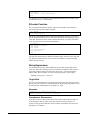
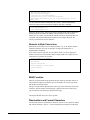
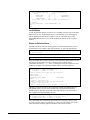
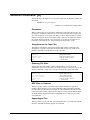
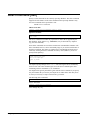
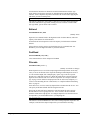
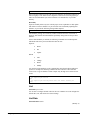
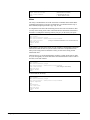
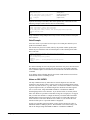
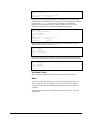
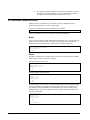
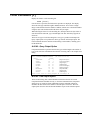
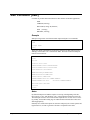
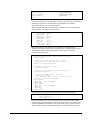
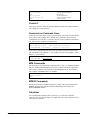
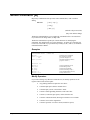
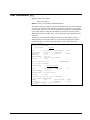
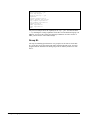
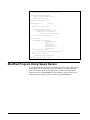
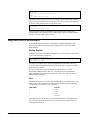
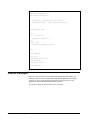
>base store.pub,5
>edit
#l m-customer;all
#e
{list}
{exit}
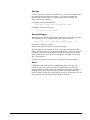
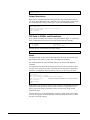
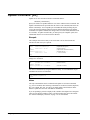
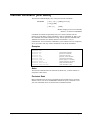
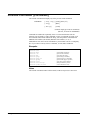
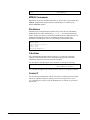
Uppercase or Lowercase
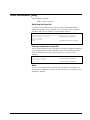
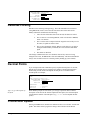
You may enter letters in either uppercase or lowercase, because Dbedit upshifts
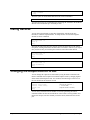
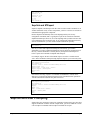
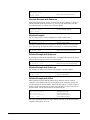
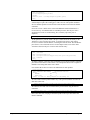
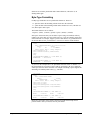
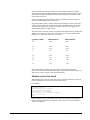
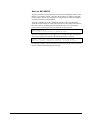
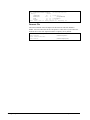
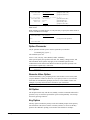
everything in the command line. These two commands are identical:
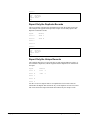
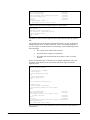
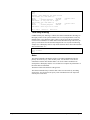
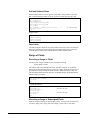
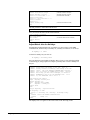
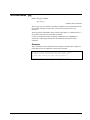
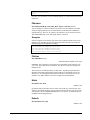
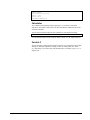
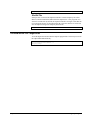
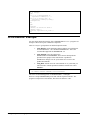
#LIST M-CUSTOMER
#list m-customer
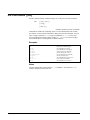
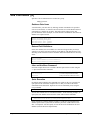
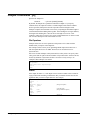
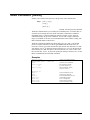
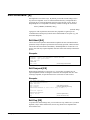
Continuation
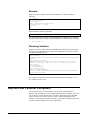
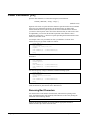
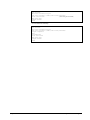
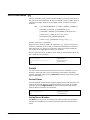
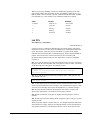
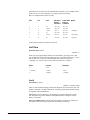
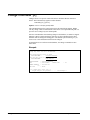
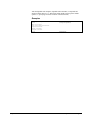
The maximum physical command line is 256 characters. You may enter commands
on multiple input lines by putting an "&" continuation character at the end of the
line. The maximum total command length is 256 characters. Multiple commands
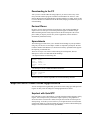
cannot be placed on one input line. The separating semicolon, colon, or comma in
commands is REQUIRED, not optional.
Suprtool 5.5 for MPE
Dbedit Commands • 331