1
Glossary of Terms
Commonly-used Terms
Batch
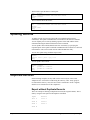
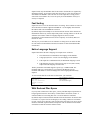
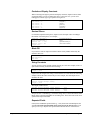
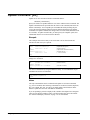
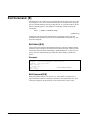
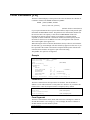
Suprtool operates in session mode or batch mode. In batch, any error message
causes Suprtool to quit. Warning messages do not cause an abort. If an error occurs,
Suprtool sets the Job Control Word to flush the remainder of the job.
In batch mode, Suprtool does not prompt for missing information as it does in
session mode. Instead, it attempts to choose the alternative that has the least chance
of destroying valid data. For example, if the output file is a duplicate file name in
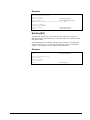
batch mode, Suprtool saves the new output file with a "made up" name (Outputnn,
where nn is from 00 to 20), prints a warning message, and aborts. Another example
is that of missing database passwords. In session mode, Suprtool prompts for the
password; in batch mode, it uses the CREATOR password instead.
Pseudo-Batch Tasks
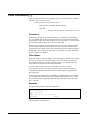
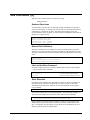
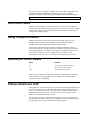
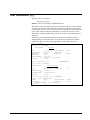
During a canned on-line task, such as passing usefiles to Suprtool, you can "fool"
Suprtool into responding YES to operational questions. For example, if one of the
canned tasks requires Suprtool to output myfile,erase, then Suprtool asks
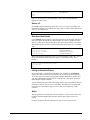
the question
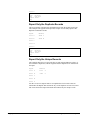
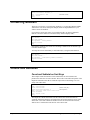
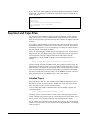
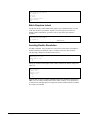
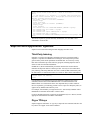
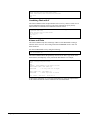
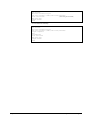
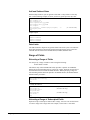
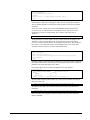
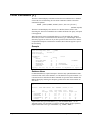
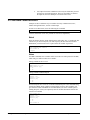
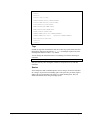
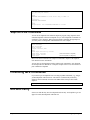
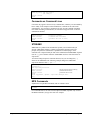
ERASE all records from this OUTPUT file [no]?
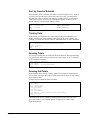
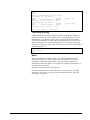
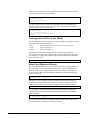
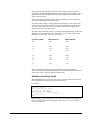
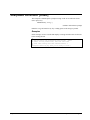
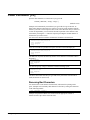
You can avoid typing "yes" in response to this question by invoking Suprtool with:
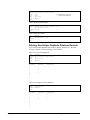
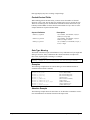
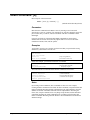
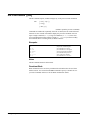
:run suprtool.pub.robelle; &
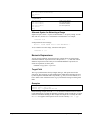
stdin=$null; info="use filename"; parm=4
Blocksize
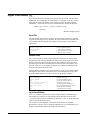
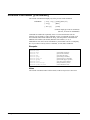
The block size of a file is the record length multiplied by the blocking factor. MPE
permits block sizes up to 32,000 words, but Suprtool restricts the total block size.
When copying an MPE file, the maximum block size of either the input or output file
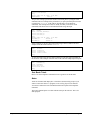
is 14,336 words. If Suprtool detects an input or output file with a block size larger
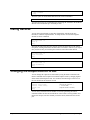
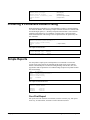
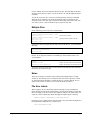
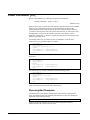
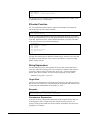
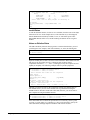
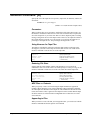
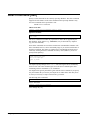
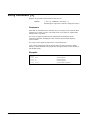
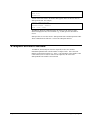
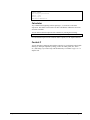
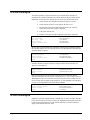
than 14,336 words, it prints one of the following error message:
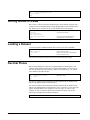
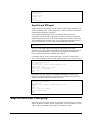
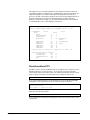
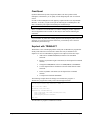
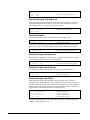
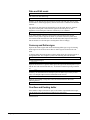
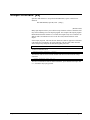
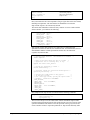
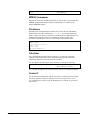
The input blocksize is greater than 14336 words
The output blocksize is greater than 14336 words
478 • Glossary of Terms
Suprtool 5.5 for MPE