1
AOC Ground Platform User Manual
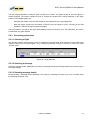
5.1.2.2 Toolbars
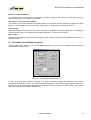
The toolbars included provide the most common features needed by the operator: uplink messages to a
selected flight, query the AGP databases about flights progress information and toggle consoles.
5.1.2.2.1 Consoles Toolbar
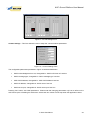
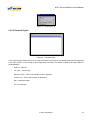
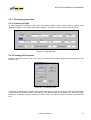
The Consoles Toolbar includes two large size buttons, described below:
Maintenance – This button enables the operator to view the Maintenance Console.
Post-Flight – This button enables the operator to view the Post-Flight Console.
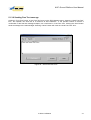
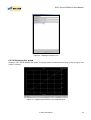
5.1.2.2.2 Message Toolbar
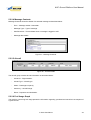
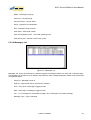
The Message Toolbar includes six buttons, described below:
Fprog. Req. – This button enables the operator to compose and send a flight progress request message.
Traj. Req. – This button enables the operator to compose and send a 4D trajectory request message.
Amet. Req. – This button entry enables the operator to compose and send an aircraft meteo request message.
Const. List – This button entry enables the operator to compose and send a constraints list message.
Free Text – This button enables the operator to compose and send a free text message.
Loadsheet – This button enables the operator to compose and send a loadsheet message.
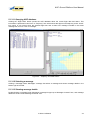
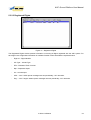
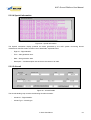
5.1.2.2.3 Flight Data Toolbar
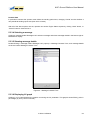
The Flight Data Toolbar only includes one button:
Flight Data – This button enables the operator to query the AGP database about flight progress data.
In Strict Confidence
21