1
Working with Code Marks
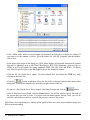
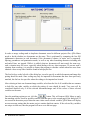
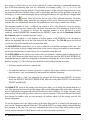
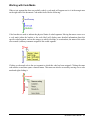
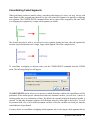
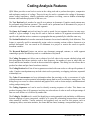
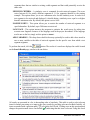
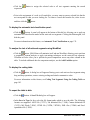
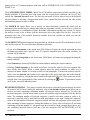
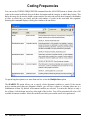
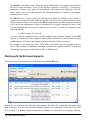
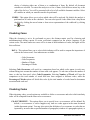
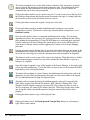
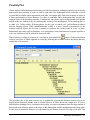
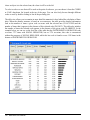
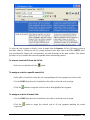
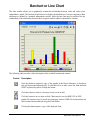
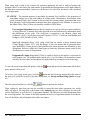
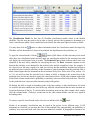
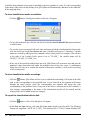
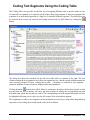
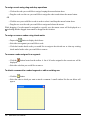
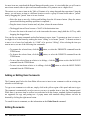
When a text segment has been successfully coded, a code mark will appear next to it in the margin area
on the right side of the document. Code marks looks like the following:
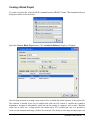
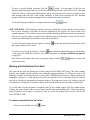
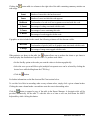
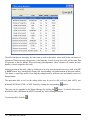
Color brackets are used to indicate the physical limits of coded segments. Moving the mouse cursor over
a code mark (either the bracket or the code label) will display more detailed information about this
specific coded segment, such as the category to which it belongs, its creation date, the name of the coder
who created it, and any comment assigned to this coded segment.
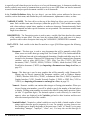
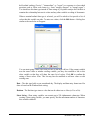
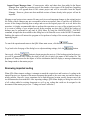
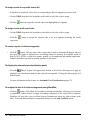
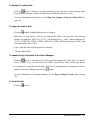
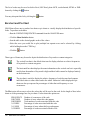
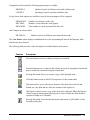
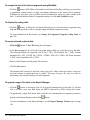
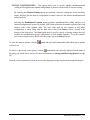
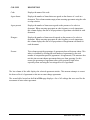
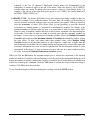
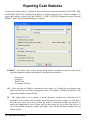
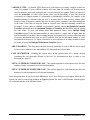
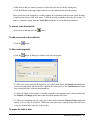
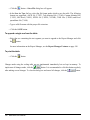
Clicking a code mark selects the text segment to which this code has been assigned. Clicking the same
code mark a second time opens a shortcut menu. This menu can also be accessed by moving over a code
mark and right-clicking it.
QDA Miner User’s Manual
81