1
Loading Media And Ribbon
Loading Media And Ribbon
Use the sample rolls of media and ribbon shipped with the printer.
CAUTION
DO NOT TOUCH the printhead or the electronic components
under the printhead assembly.
CAUTION
Do not close the pivoting deck without label stock installed
between the printhead and the platen, because debris on the
platen may damage the printhead.
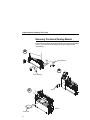
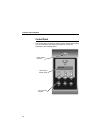
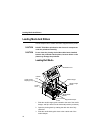
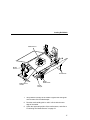
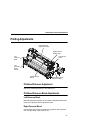
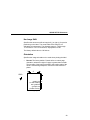
Loading Roll Media
Media Cover
Liquid Crystal
Display (LCD)
PAUSE
Key
Media Hanger
Media Hanger
Guide
Pivoting
Deck
Media Width
Guide
Deck Lock
Lever
Media Damper
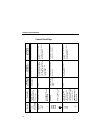
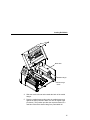
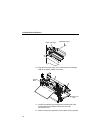
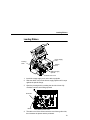
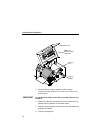
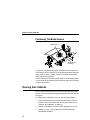
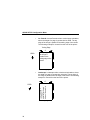
1. Slide the media hanger guide outward to the end of the media
hanger, and flip it down into the horizontal position (as shown).
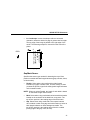
2. Open the pivoting deck by rotating the deck lock lever fully
clockwise.
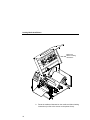
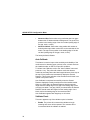
3. Slide the media width guide close to the outside end of the
media damper.
14