1
4
INSTALLING LEARNIX
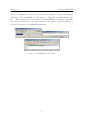
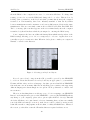
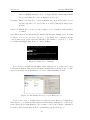
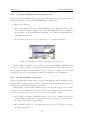
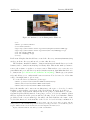
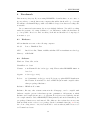
Figure 15: Changing the VirtualBox default folders
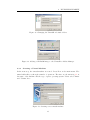
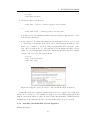
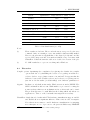
Figure 16: Adding a CD-ROM image to the VirtualBox Media Manager
4.3.3
Creating a Virtual Machine
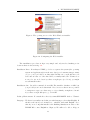
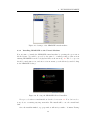
In the next step, the virtual machine is created. Press New on the main menu. The
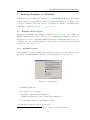
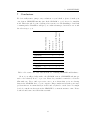
wizard will walk you through a number of questions. The first one, shown in fig. 17, is
the name of the machine and the type of guest operating system. Please select ’Linux’
and ’Ubuntu’ here.
Figure 17: Creating a new virtual machine
17