1
Reference [Mixer]
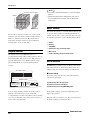
H INT
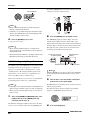
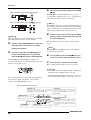
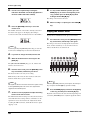
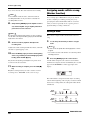
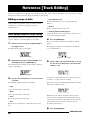
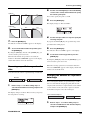
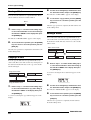
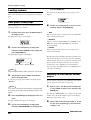
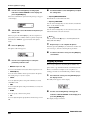
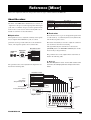
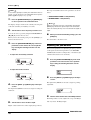
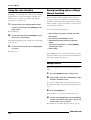
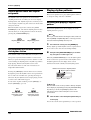
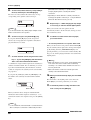
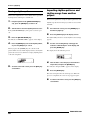
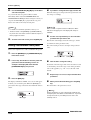
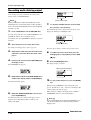
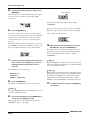
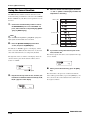
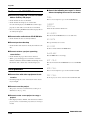
To cancel a scene assignment, turn the dial to make the
display indicate “ -- “.
6.
7.
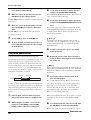
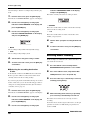
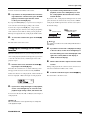
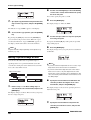
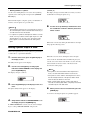
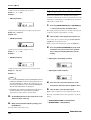
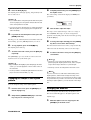
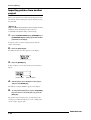
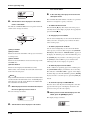
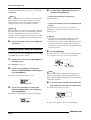
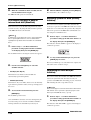
Permissn
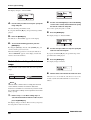
AllFader
ON
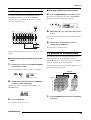
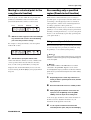
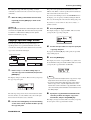
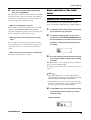
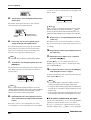
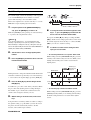
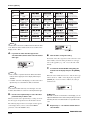
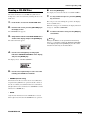
Locate the next mark at which you want the mix to
change, and repeat steps 4 - 5.
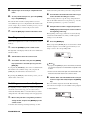
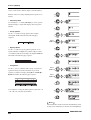
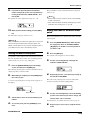
2.
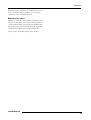
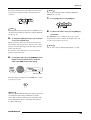
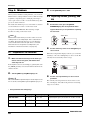
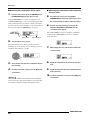
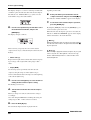
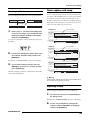
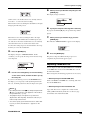
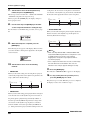
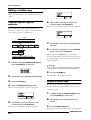
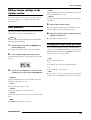
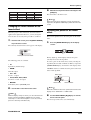
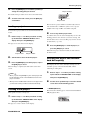
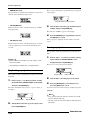
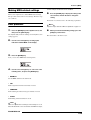
Turn the dial to set fader permission to ON or OFF.
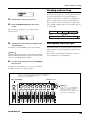
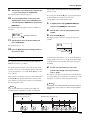
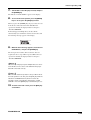
When scenes have been assigned to all marks,
3.
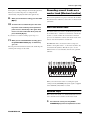
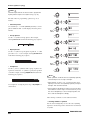
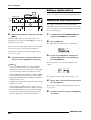
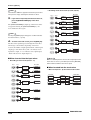
Press the other keys for parameter groups, to
press the ZERO [U] key to return to the beginning
enable or disable the group.
of the song, and then press the PLAY [R] key to
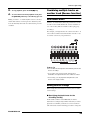
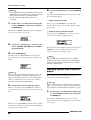
Except for the fader, scene control for the other groups can
start playback.
be enabled or disabled by pressing one of the keys listed
Each time the song reaches a mark to which a scene has been
below.
assigned, that scene will be recalled.
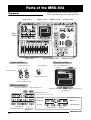
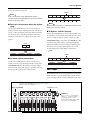
• TRACK PARAMETER group
Any status key except [MASTER] status key
Deleting certain parameters from a
scene
• INSERT EFFECT group
Any [INSERT EFFECT] key
• CHORUS/DELAY group
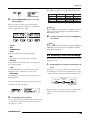
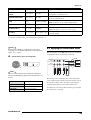
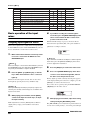
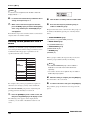
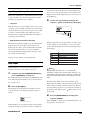
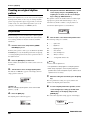
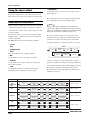
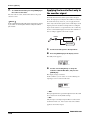
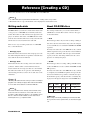
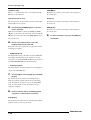
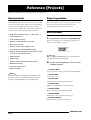
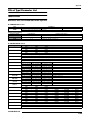
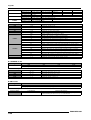
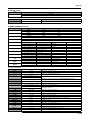
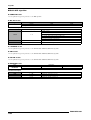
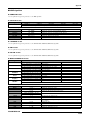
If desired, you can disable a group of parameters saved in a
scene. Such parameters will not change even if that scene is
recalled. The following groups of parameters can be
specified and made active or inactive.
[CHORUS/DELAY] key
• REVERB group
[REVERB] key
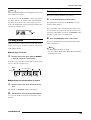
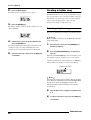
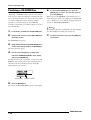
When a group is enabled, the respective keys are lit, and
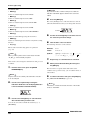
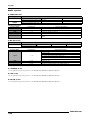
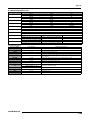
Group
Item
when the group is disabled, the keys are flashing.
EQ HI
EQ LO
TRACK
PARAMETER
Chorus send
Reverb send
Pan
Play/mute
INSERT EFFECT
Patch number
Input source
CHORUS/DELAY
Patch number
REVERB
Patch number
ALL FADER
Fader position
H INT
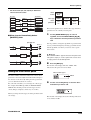
• The TRACK PARAMETER group can be enabled or
disabled for each audio track and the drum track
separately.
• You can also use the cursor up/down keys to enable or
disable all groups together.
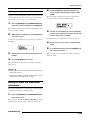
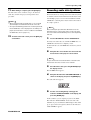
4.
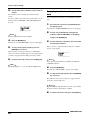
When the setting is complete, press the [EXIT] key.
The unit returns to the scene menu.
For example, after you have programmed a sequence of
5.
automatic scene changes, you may want to disable the
The parameter group on/off status is stored as part of the
TRACK PARAMETER group and set only the EQ and
project.
To return to the main screen, press the [EXIT] key.
panning parameters manually for each track.
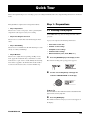
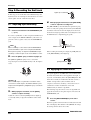
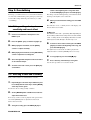
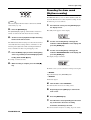
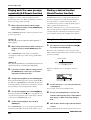
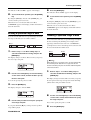
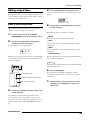
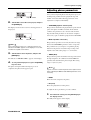
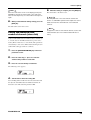
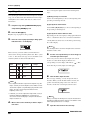
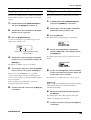
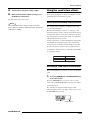
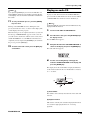
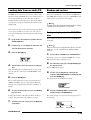
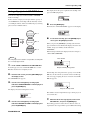
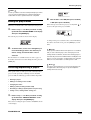
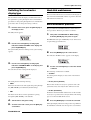
1.
Press the [SCENE] key in the control section, and
then press the [UTILITY] key in the display section.
The following screen appears on the display. In this
condition, you can enable or disable the faders for each
scene.
76
ZOOM MRS-802