1
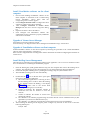
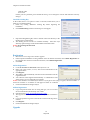
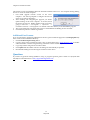
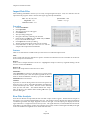
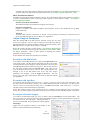
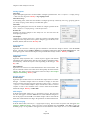
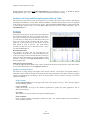
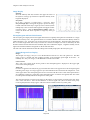
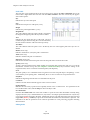
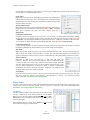
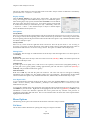
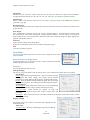
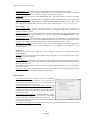
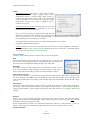
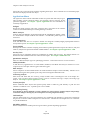
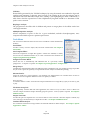
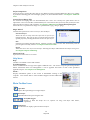
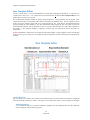
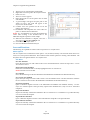
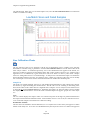
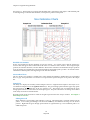
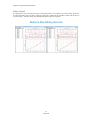
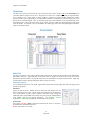
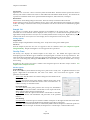
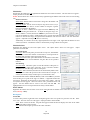
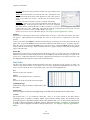
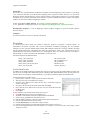
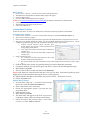
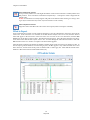
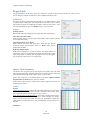
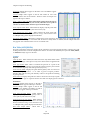
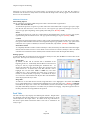
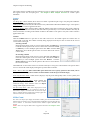
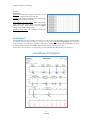
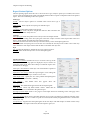
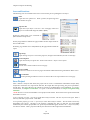
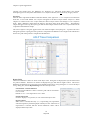
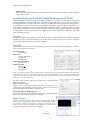
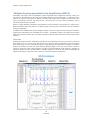
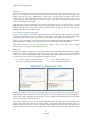
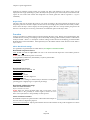
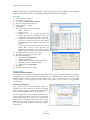
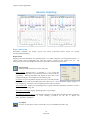
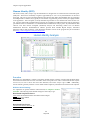
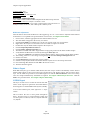
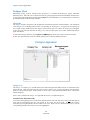
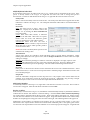
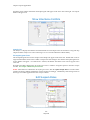
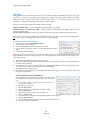
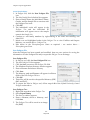
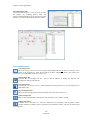
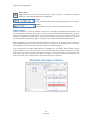
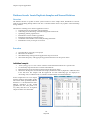
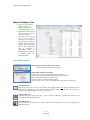
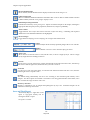
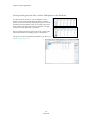
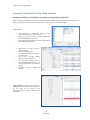
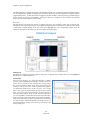
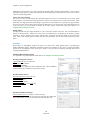
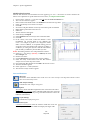
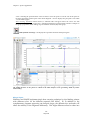
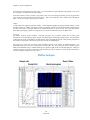
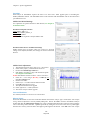
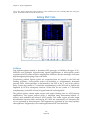
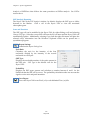
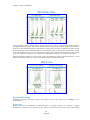
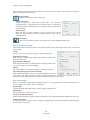
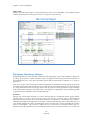
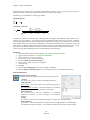
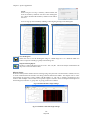
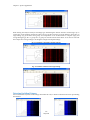
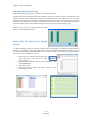
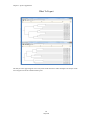
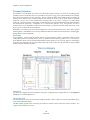
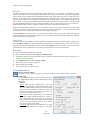
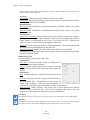
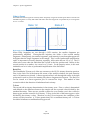
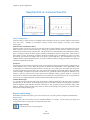
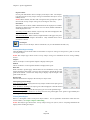
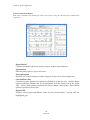
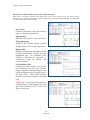
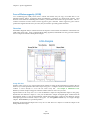
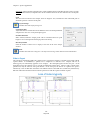
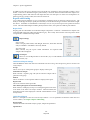
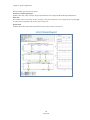
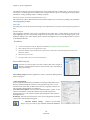
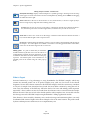
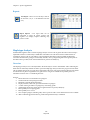
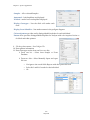
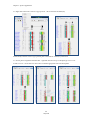
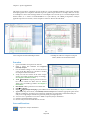
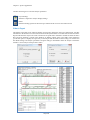
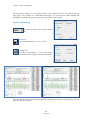
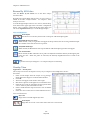
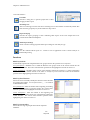
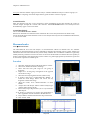
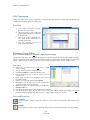
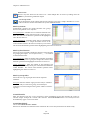
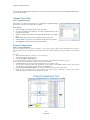
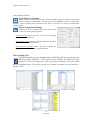
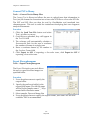
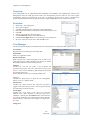
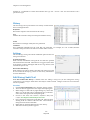
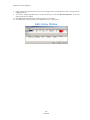
Chapter 8 Additional Tools Tools All viewing options are selected by default. Unselect these options to change the Trace View settings. Save Save the Trace View image as a Bitmap (.bmp) file. Merge Projects The Merge Projects Application is available directly from the opening GeneMarker Screen or from the Tools drop-down menu. After each project is analyzed with the appropriate panel the results may be combined using this tool. A common challenge for Kinship calculations or cluster analysis in animal and plant populations is obtaining enough informative markers in one multiplex. Overlapping marker ranges and/or incompatible chemistry make it necessary to run the same samples multiple times with different sets of marker primers. Human disease diagnostic research also my require more than one kit (multiplex) to obtain the full range of allele calls as with Duchenne’s Muscular Dystrophy or Cystic Fibrosis. By following a naming convention where the individual identifier and the panel identifiers are consistent, researchers can combine the individual results from multiple panel analyses into one report, providing a more complete genotype for each sample. This merged report may be imported into other special applications (such as Clustering Analysis or Relationship Testing) to improve the robustness of the results by including information from more markers. Procedure 1. 2. 3. 4. 5. 6. 7. 8. Save each project for a set of individual files (Please see Chapter 2 General Procedure) Note: Allele editing and resolution of any flagged allele calls must be done prior to saving each project and importing results into the Merge Project Tool. Open Merge Projects from the Tool Drop-down menu or the Open Folder icon Projects Merge Projects Add project files OK Report Grouping icon activates the Grouping screen Match by Section, Fixed Position or Group Order Match OK Note: To simplify this task separate the group identifier and the exact control identifier by an underscore or have the same number of spaces for the individual and group identifiers in a file name. For example – if the individual’s identification number is 12345 and it will be analyzed with panel XYZ and panel ABC separate the sections by an underscore when applying the sample to the genetic analyzer. Project with XYZ Project with ABC 12345_XYZ_A01 12345_ABC_A01 12346_XYZ_A02 12346_ABC_A02 12347_XYZ_A03 12347_ABC_A03 Use the Report Icon to activate the Allele Report Settings Select appropriate format : For example: Select Bin Table and deselect Show Peak Area for combined reports that will be used in Cluster Analysis or Select Marker Table (Fragment) for combined reports that will be used in Relationship Testing Save the merged project report as a .txt file. Note: The file name will automatically read from the current project. Users may want to use a specific file name for the merged project report. 169 May 2012