1
114
MFG/PRO Installation Guide — QAD Desktop
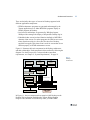
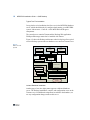
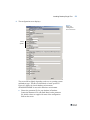
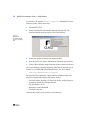
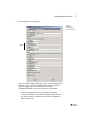
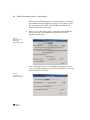
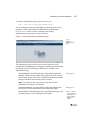
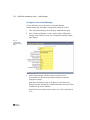
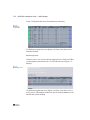
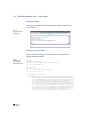
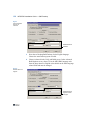
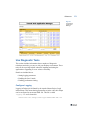
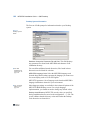
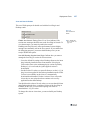
Figure 7.4 illustrates the screen for monitoring connections.
Fig. 7.4
Monitoring
Connections
Use Refresh to update the screen display. Click the Close link to close
unneeded sessions.
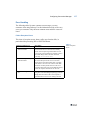
Monitoring Users
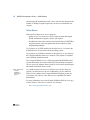
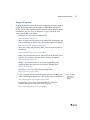
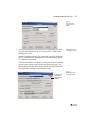
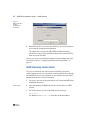
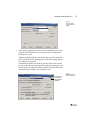
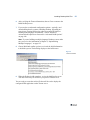
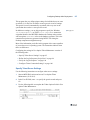
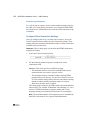
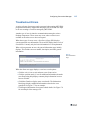
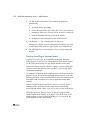
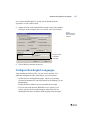
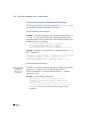
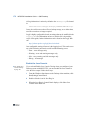
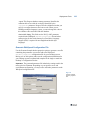
Choose Users to view a list of currently logged in users. Click a user ID to
see information related to that user. A screen like the one in Figure 7.5
displays.
Fig. 7.5
Monitoring Users
Use Refresh to update the screen display. Click the Close link to close a
user’s session. This might be needed if a user has locked a database record
and left their session running.