1
Introduction
How to Use This Owner’s Manual
Thank you for purchasing an Epilog Mini/Helix 8000 Laser System. Your Epilog
system has been designed to be easy to operate, but you will utilize it to its fullest
potential by taking some time to read this owner’s manual prior to use. You will
be ready to use the Epilog laser system as soon as you read the first six sections.
Then you can refer to topics in the remaining sections, as you work.
Structure of the Manual
Part I: Epilog Mini/Helix Setup
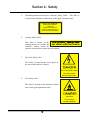
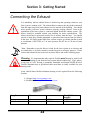
Sections 1 through 6 explain how to uncrate and set up your Epilog system,
important safety information you need to know before you use it, the Do’s and
Don’ts of operating the laser, configuring your computer to run the Epilog
Dashboard print driver, configuring CorelDraw, and a brief user’s guide to
running your first job.
Part II: Epilog Mini/Helix Basic Operations
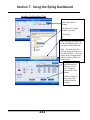
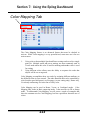
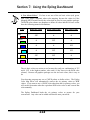
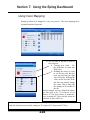
Sections 7 through 14 explain Using the Epilog Dashboard Print Driver, basic
Epilog laser operations and maintenance, machine features, speed and power
recommendations, material engraving techniques, and material suppliers.
Part III: Troubleshooting, Service and Specifications
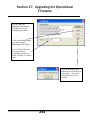
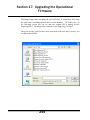
Sections 15 through 17 assist with problem troubleshooting, service information,
system specifications and firmware upgrade instructions.
APPENDIX A
Epilog Warranty Information.
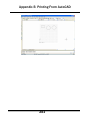
APPENDIX B
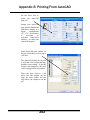
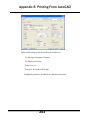
Printing from AutoCAD.
APPENDIX C
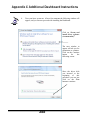
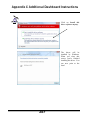
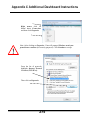
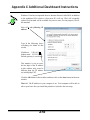
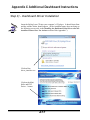
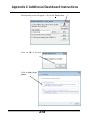
Additional Dashboard Print Driver Instructions.
INDEX
xi