1
CME EOS Trader
Renaming a Group
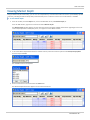
The following procedure illustrates renaming a group.
To rename a group:
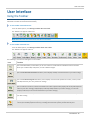
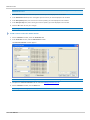
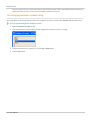
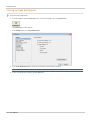
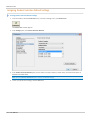
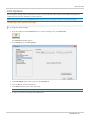
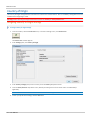
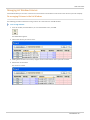
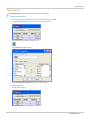
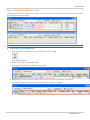
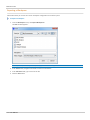
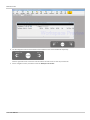
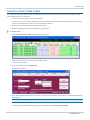
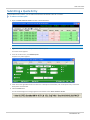
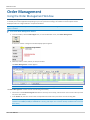
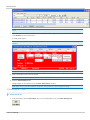
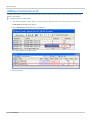
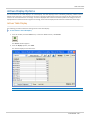
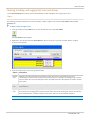
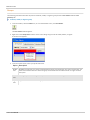
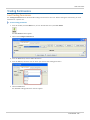
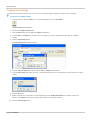
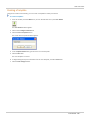
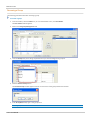
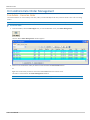
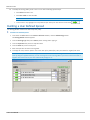
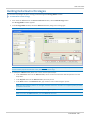
1. From the Toolbar, click the Admin icon, or from the Window menu, click Firm Admin.
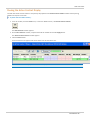
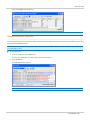
The Firm Admin window appears.
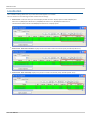
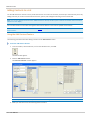
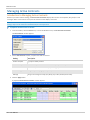
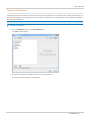
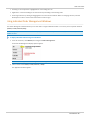
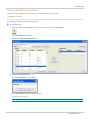
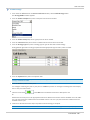
2. Click on the Usergroup Management tab.
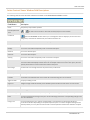
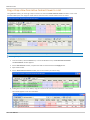
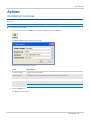
3. From the Groups field, select the group whose name you want to change from group list.
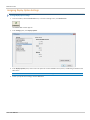
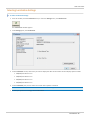
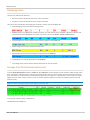
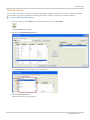
4. Click the Rename Group button.
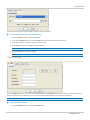
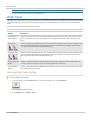
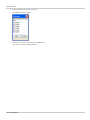
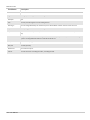
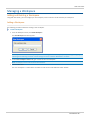
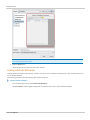
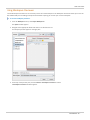
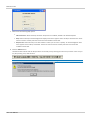
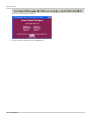
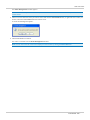
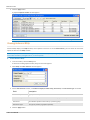
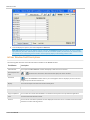
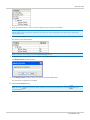
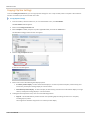
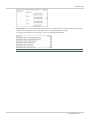
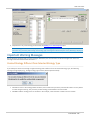
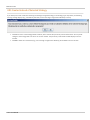
The Rename Group window appears with the current name of the group listed in the text box.
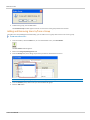
5. In the Group Name field, type a new group name.
Note: A group name can have a maximum of 50 characters.
- 131 - User Manual