1
CME EOS Trader
Using a Volatility-Quoted Ticket
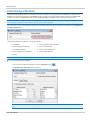
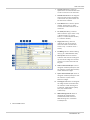
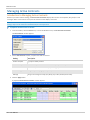
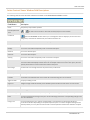
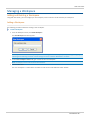
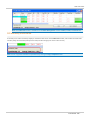
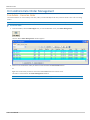
When buying or selling a foreign exchange product, click the Volatility-Quoted button to view a volatility calculator. This
calculator provides an indication of the underlying future, price, delta, interest rate, and volatility before executing a trade.
To open a volatility-quoted ticket:
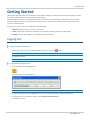
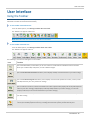
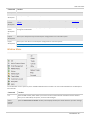
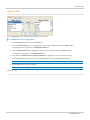
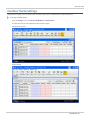
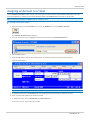
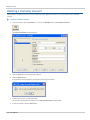
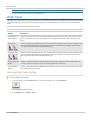
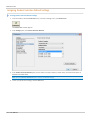
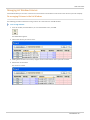
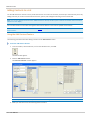
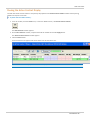
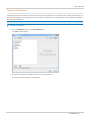
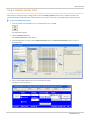
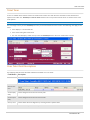
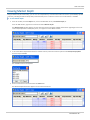
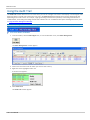
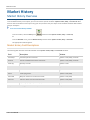
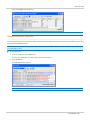
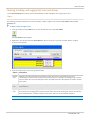
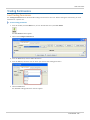
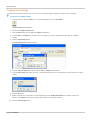
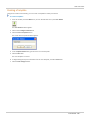
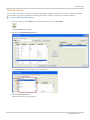
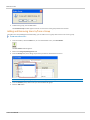
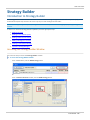
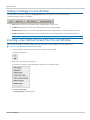
1. From the Toolbar, click the List icon, or from the Window menu, click List.
The List window appears.
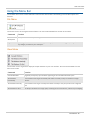
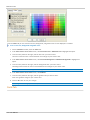
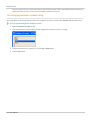
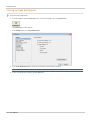
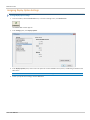
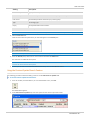
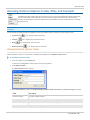
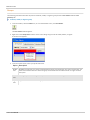
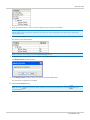
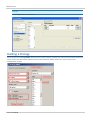
2. Click the Add Contract button.
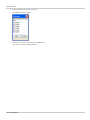
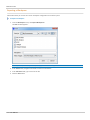
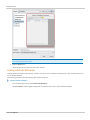
The Contract Selection window appears.
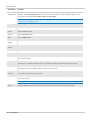
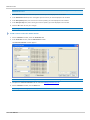
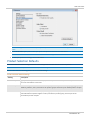
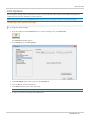
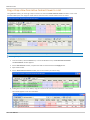
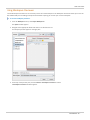
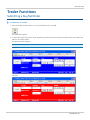
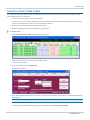
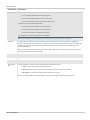
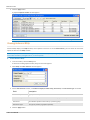
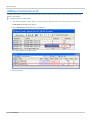
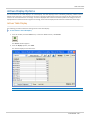
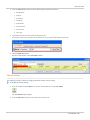
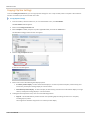
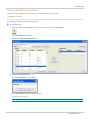
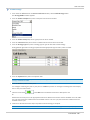
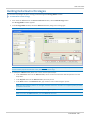
3. Select the FX product complex and the EURO FX Volatility options or British Pound Volatility options product as
illustrated below.
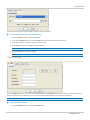
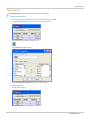
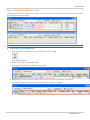
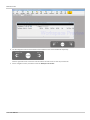
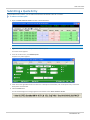
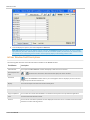
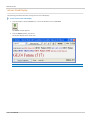
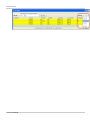
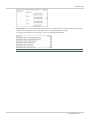
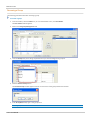
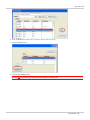
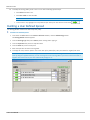
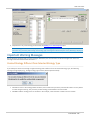
4. Click in either a Bid or Ask column for one of the above products.
The appropriate ticket appears.
User Manual - 80 -