1
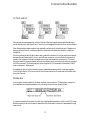
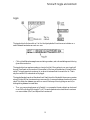
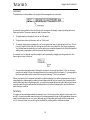
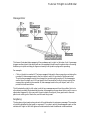
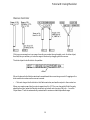
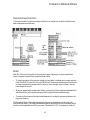
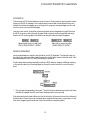
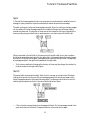
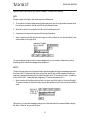
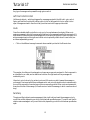
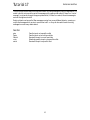
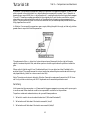
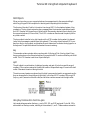
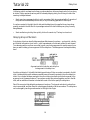
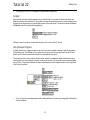
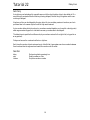
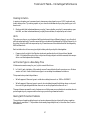
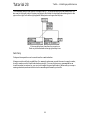
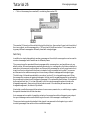
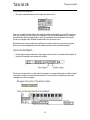
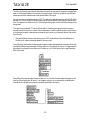
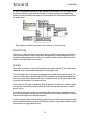
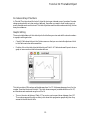
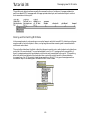
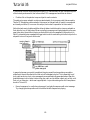
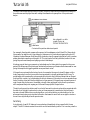
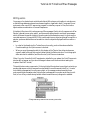
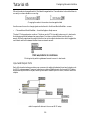
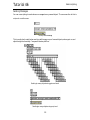
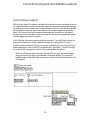
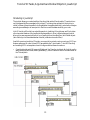
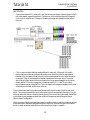
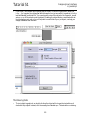
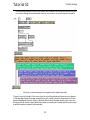
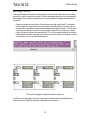
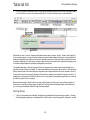
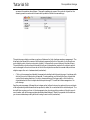
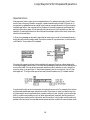
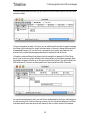
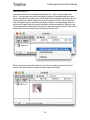
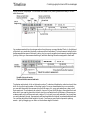
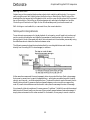
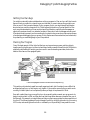
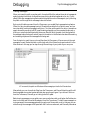
Graphic editing of a MIDI sequence
Detonate
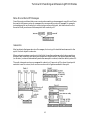
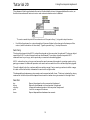
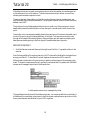
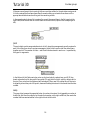
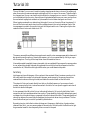
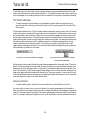
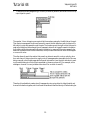
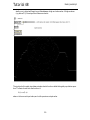
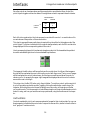
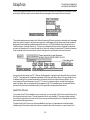
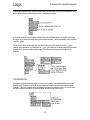
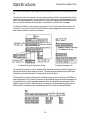
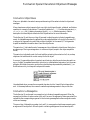
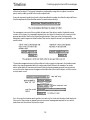
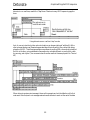
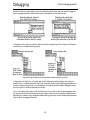
when the timeline is played the notes will be sent out over the period of time represented by the
length of the edetonate in the timeline.
This means that the time units shown in the editor window of edetonate are actually relative time
units, because the real time in which they occur depends on the length of the event in the timeline.
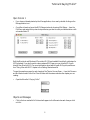
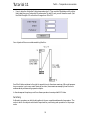
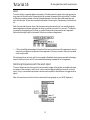
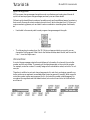
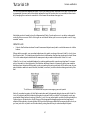
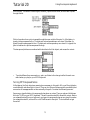
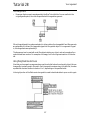
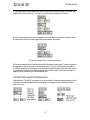
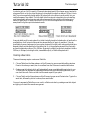
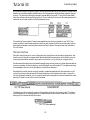
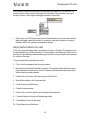
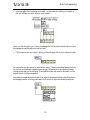
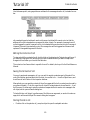
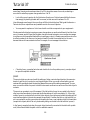
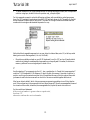
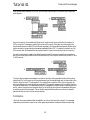
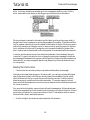
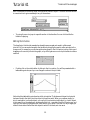
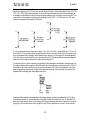
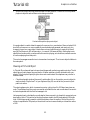
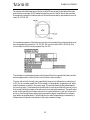
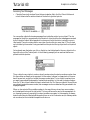
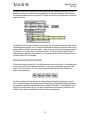
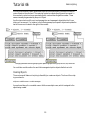
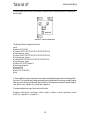
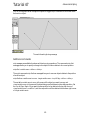
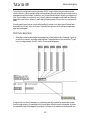
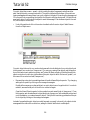
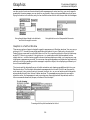
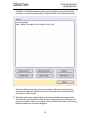
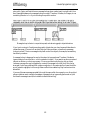
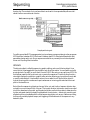
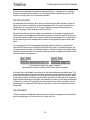
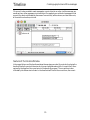
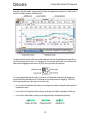
In the preceding example, for instance, each of the notes was drawn into edetonate as a 1-second
note, but because the event stretches out over precisely one second in the timeline, the list messages
will actually be sent to ticmd Notes every 1/6 of a second when the timeline is played.
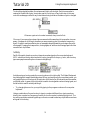
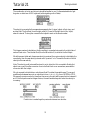
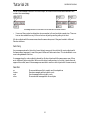
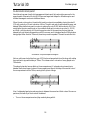
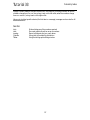
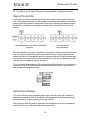
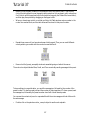
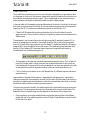
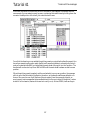
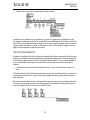
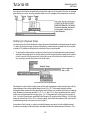
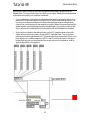
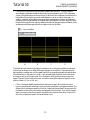
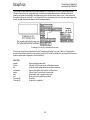
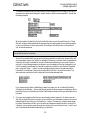
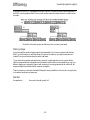
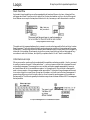
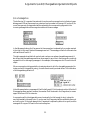
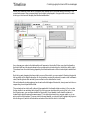
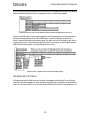
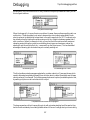
However, if you want the notes in edetonate to be played at exactly the same rate as they were
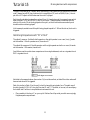
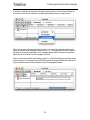
drawn in the graphic editor window, select the edetonate and choose Fix Width from the Object
menu. The length of the edetonate will be changed so that its notes play at the same rate as they
were drawn in edetonate’s editor window.
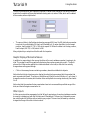
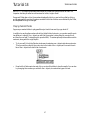
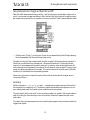
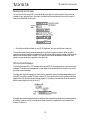
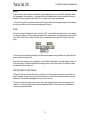
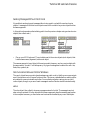
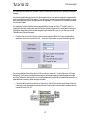
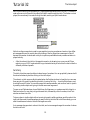
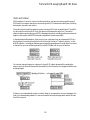
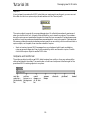
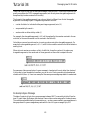
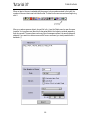
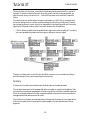
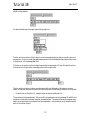
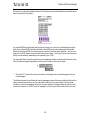
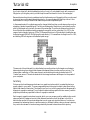
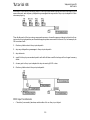
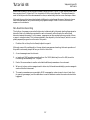
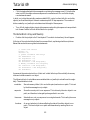
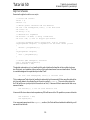
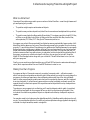
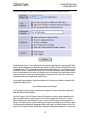
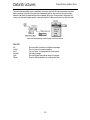
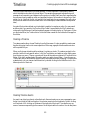
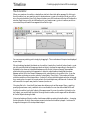
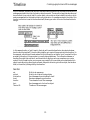
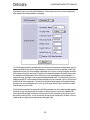
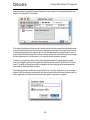
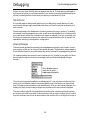
By selecting an edetonate editor and choosing Get Info...from the Object menu, you can assign it
a name. It will then share its contents with any other edetonate editors that have the same name, or
with a single detonate object that has the name as a typed-in argument in a patcher.
384