1
Appendix F
EDS File Management
This section explains the EDS file management functions used in the Network Configurator.
Installing EDS Files
Note Using Windows Vista or Windows 7
Is recommended that you start the Network Configurator from Run as administrator when you install an
EDS file in the Network Configurator. If the EDS file is installed on a Network Configurator that is started
in any other way, Windows security user management will cause the installed EDS file to not be recognized when you log in using a different user account. You can run the Network Configurator as the
administrator by using the following procedure.
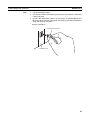
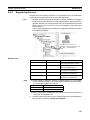
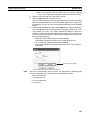
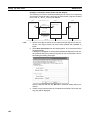
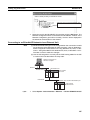
1. Select the Network Configurator from the Start Menu, and then right-click.
2. Select Run as administrator from the pop-up menu that is displayed.
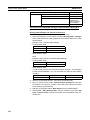
EDS File - Install
The Network Configurator can support new devices if the proper EDS files are installed.
To install the EDS file, use the following procedure.
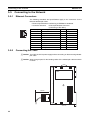
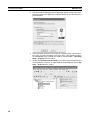
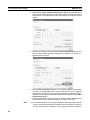
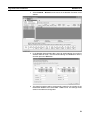
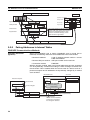
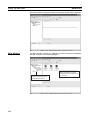
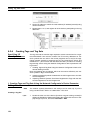
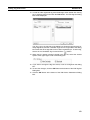
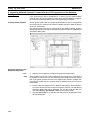
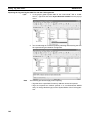
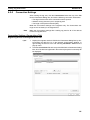
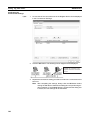
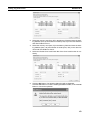
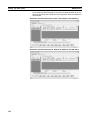
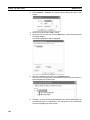
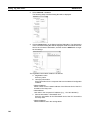
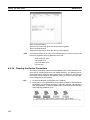
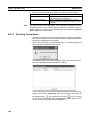
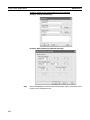
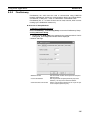
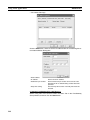
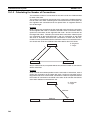
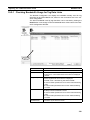
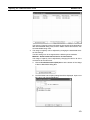
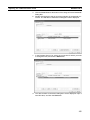
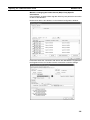
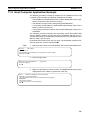
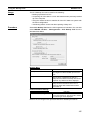
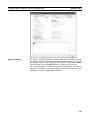
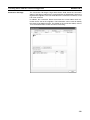
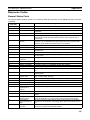
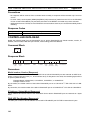
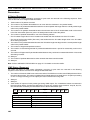
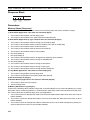
1. Select EDS File and Install.
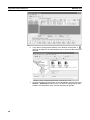
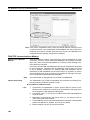
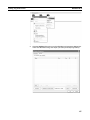
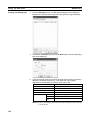
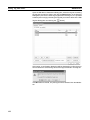
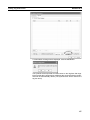
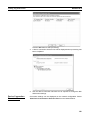
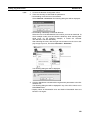
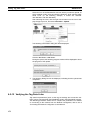
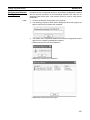
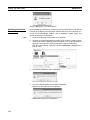
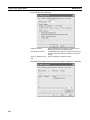
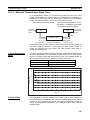
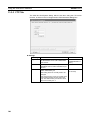
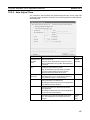
The following window will be displayed.
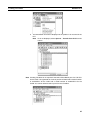
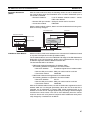
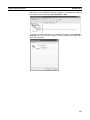
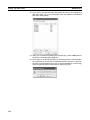
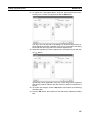
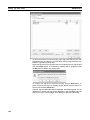
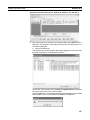
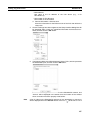
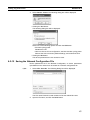
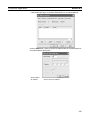
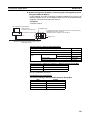
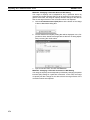
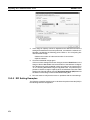
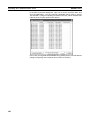
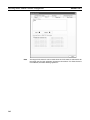
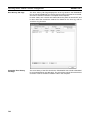
2. The device information will be displayed on the bottom of the window when the EDS file is selected.
419