1
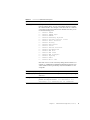
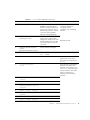
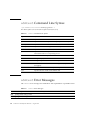
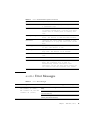
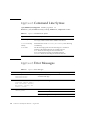
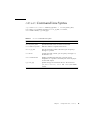
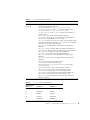
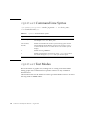
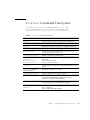
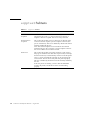
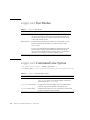
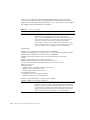
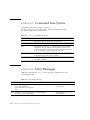
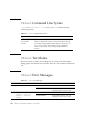
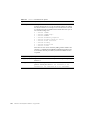
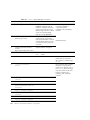
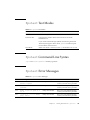
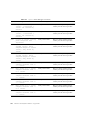
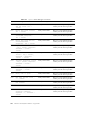
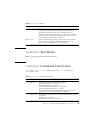
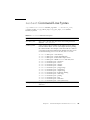
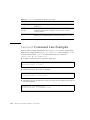
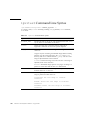
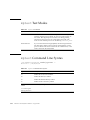
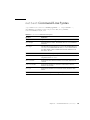
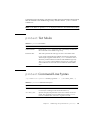
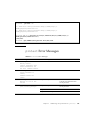
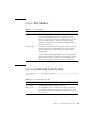
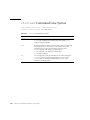
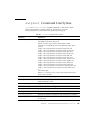
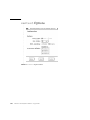
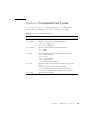
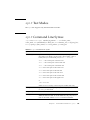
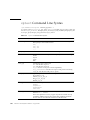
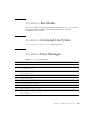
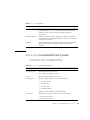
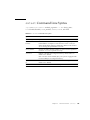
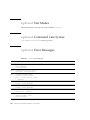
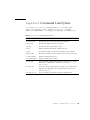
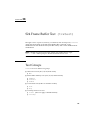
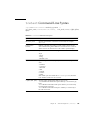
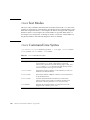
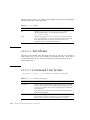
sentest Command Line Syntax
/opt/SUNWvts/bin/sentest [standard arguments]
-o dev=interface,[test=type],[enc=component]
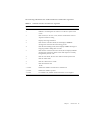
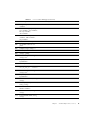
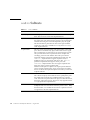
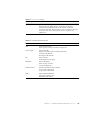
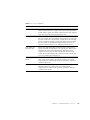
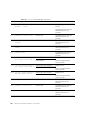
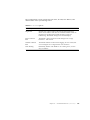
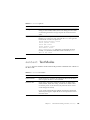
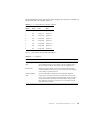
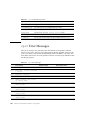
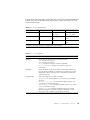
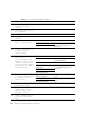
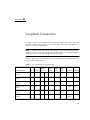
TABLE 27-3
sentest Command Line Syntax
Argument
Explanation
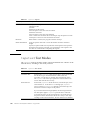
dev=interface
SEN card device name; the default value is ses0.
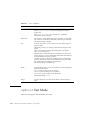
test=type
Specifies the test type; select Norm for normal testing
or Inter for interactive testing; the default value is
Norm.Possible values are: norm and
inter
enc=component
Indicates which part of the enclosure status is
reported; the default value is ALL. Possible values
are: enalm, dp, dl, pm, fan, ovt, and ALL
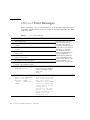
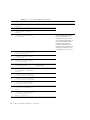
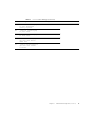
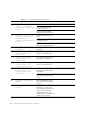
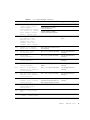
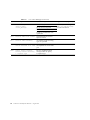
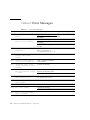
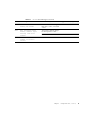
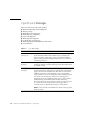
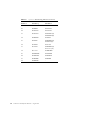
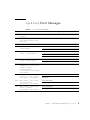
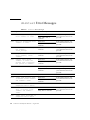
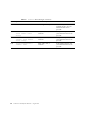
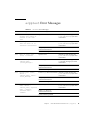
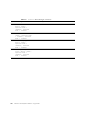
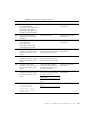
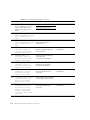
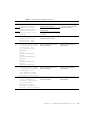
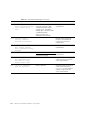
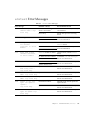
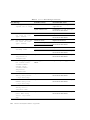
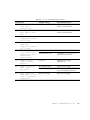
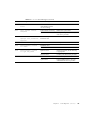
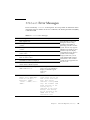
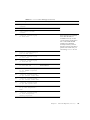
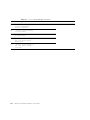
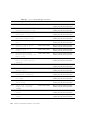
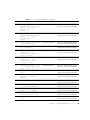
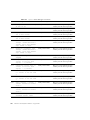
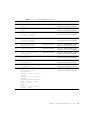
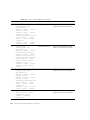
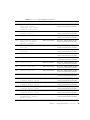
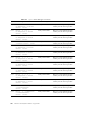
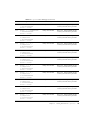
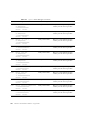
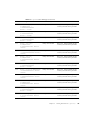
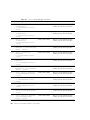
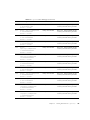
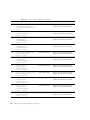
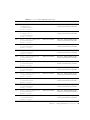
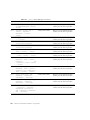
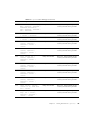
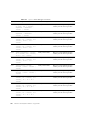
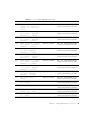
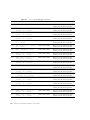
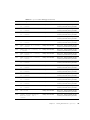
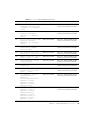
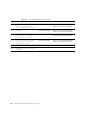
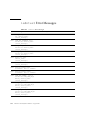
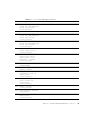
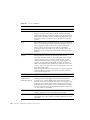
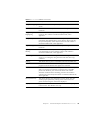
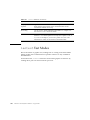
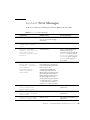
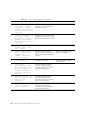
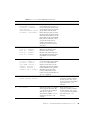
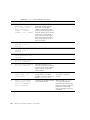
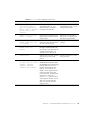
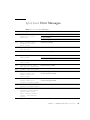
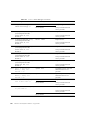
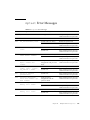
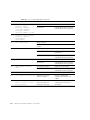
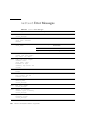
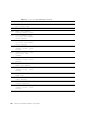
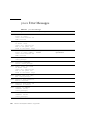
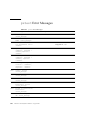
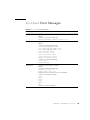
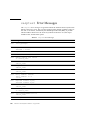
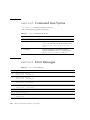
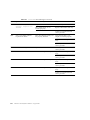
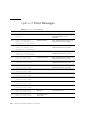
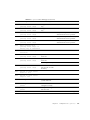
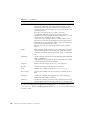
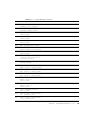
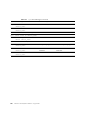
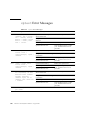
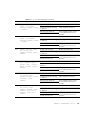
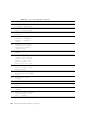
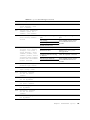
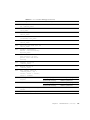
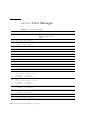
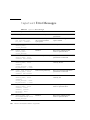
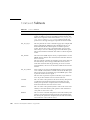
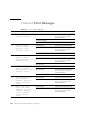
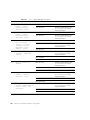
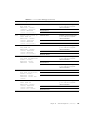
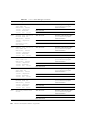
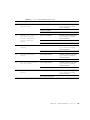
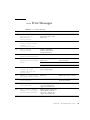
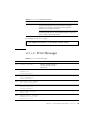
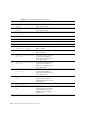
sentest Error Messages
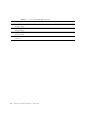
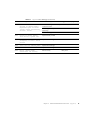
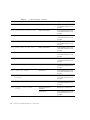
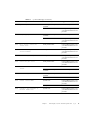
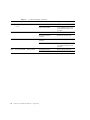
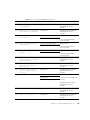
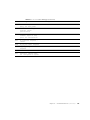
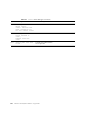
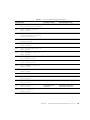
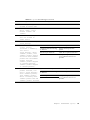
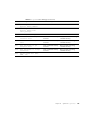
TABLE 27-4
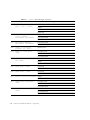
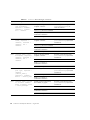
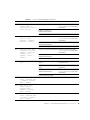
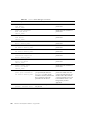
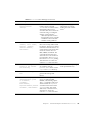
sentest Error Messages
Error Message
6000
Check alenb failed,
exp=<value>, obs=<value>
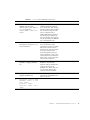
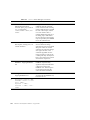
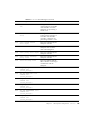
6001
Check alenb failed,
exp=<value>, obs=<value>
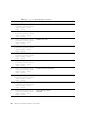
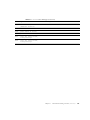
6002
Check alenb failed,
exp=<value>, obs=<value>
6003
Check altime failed, exp
time=<value>, obs=<value>
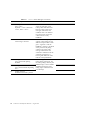
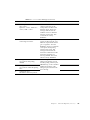
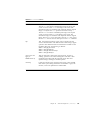
6004
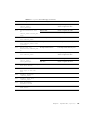
Fan failed
6005
Dual fan failed
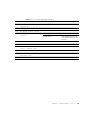
6006
Enclosure over
temperature
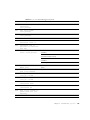
266
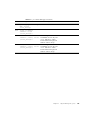
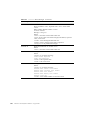
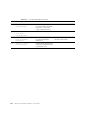
Probable Cause(s)
SunVTS 2.1 Test Reference Manual • August 1997
Recommended Action