1
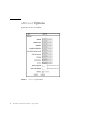
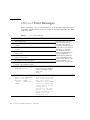
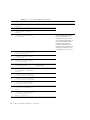
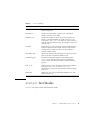
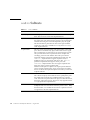
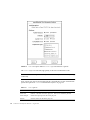
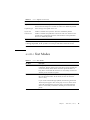
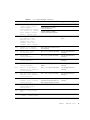
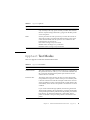
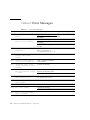
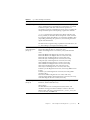
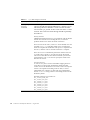
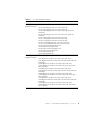
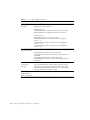
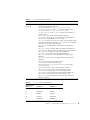
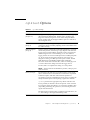
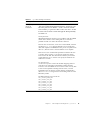
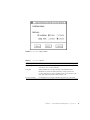
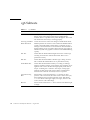
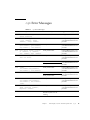
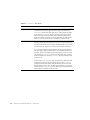
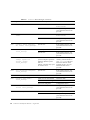
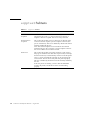
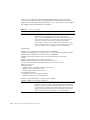
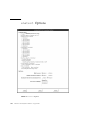
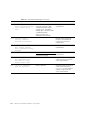
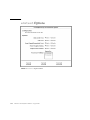
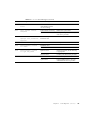
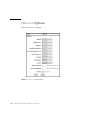
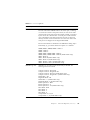
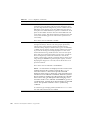
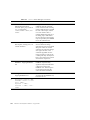
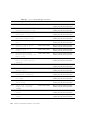
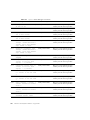
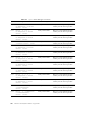
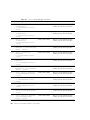
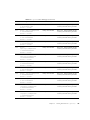
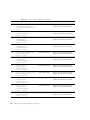
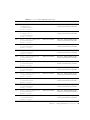
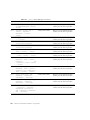
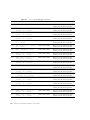
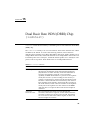
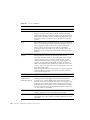
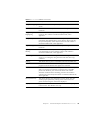
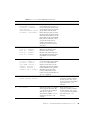
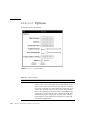
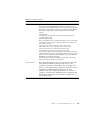
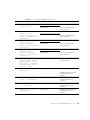
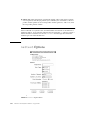
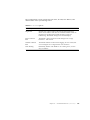
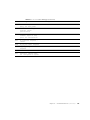
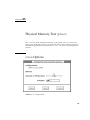
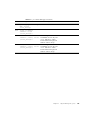
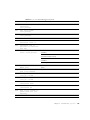
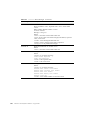
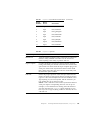
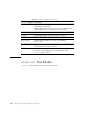
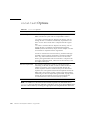
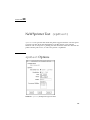
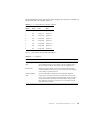
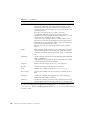
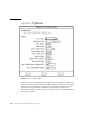
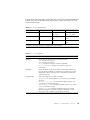
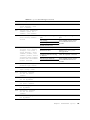
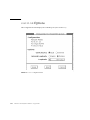
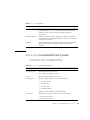
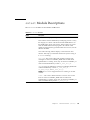
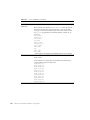
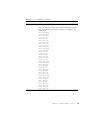
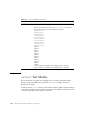
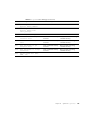
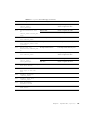
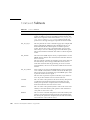
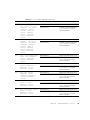
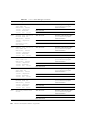
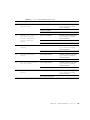
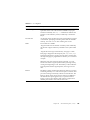
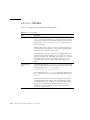
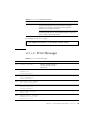
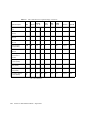
TABLE 39-1
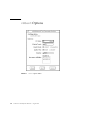
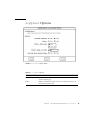
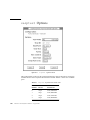
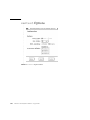
vmem Options
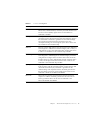
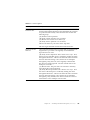
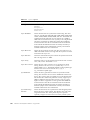
vmem Options
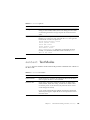
Description
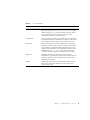
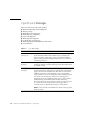
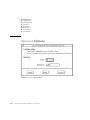
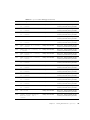
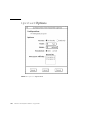
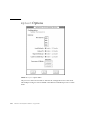
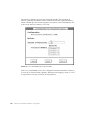
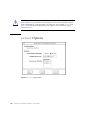
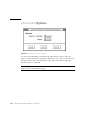
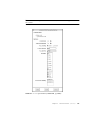
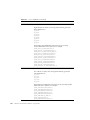
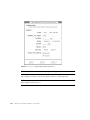
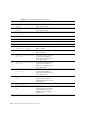
vmem Configuration
The amount of memory listed in the configuration field is
equivalent to the sum of the used and available swap space
amounts returned by the swap -s command. It indicates the
amount of virtual memory found, rounded up to the nearest
Kbyte.
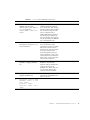
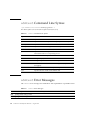
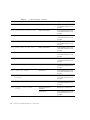
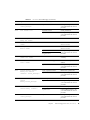
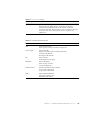
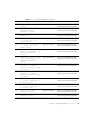
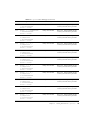
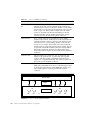
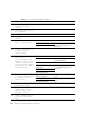
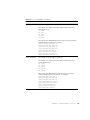
Test Amount
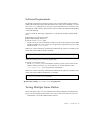
An amount can be specified to test the virtual memory, instead
of the default. Specifying a number greater than the available
memory, can cause vmem or other running tests to fail.
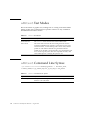
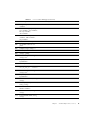
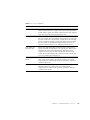
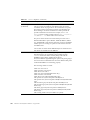
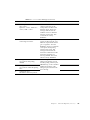
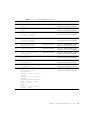
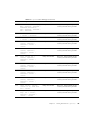
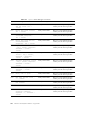
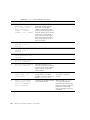
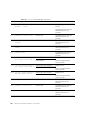
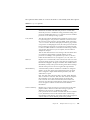
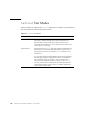
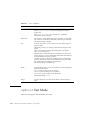
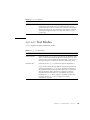
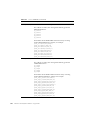
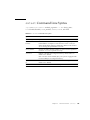
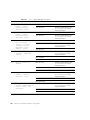
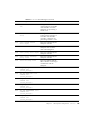
Mode
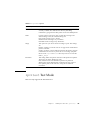
Two modes are available:
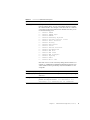
- Regular mode tests the amount of memory and is limited by
the amount of physical memory available to the system under
test.
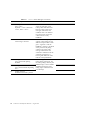
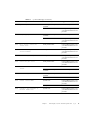
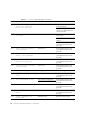
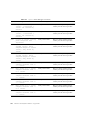
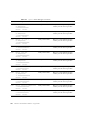
-Page mode tests assign virtual memory one page at a time.
Each page is mapped to the temporary file /tmp/vmem.page
and is then paged out to storage once test data is written. Next,
the temporary page is paged back into memory for a read and
compare.
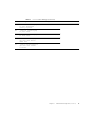
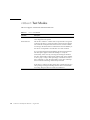
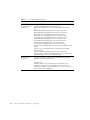
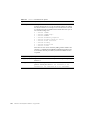
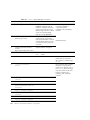
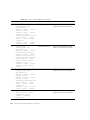
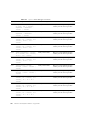
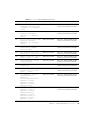
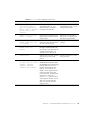
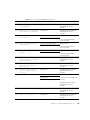
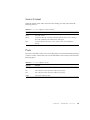
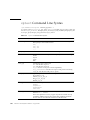
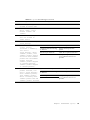
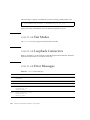
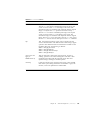
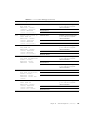
When the stress test execution option is selected, vmem test
allocates the entire assigned system memory (through valloc),
writing from beginning to end. The memory is then read back
and compared with the original pattern, one long word at a
time.
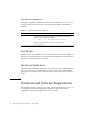
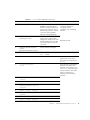
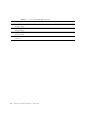
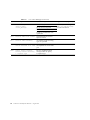
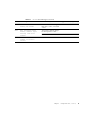
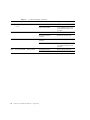
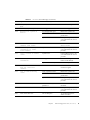
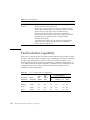
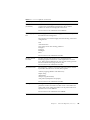
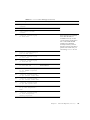
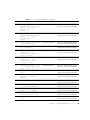
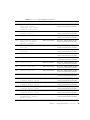
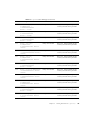
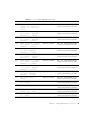
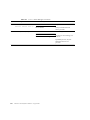
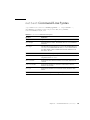
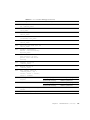
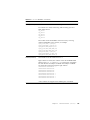
Reserve
The Reserve option specifies the amount of memory to reserve
from being tested by vmem. The reserved space is used for other
processes running concurrently with the or SunVTS tests. The
Reserve option can be used to reserve memory in addition to
the default. This option applies only to a specific instance.
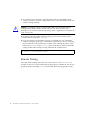
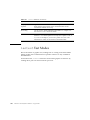
Trying to reserve more memory than what is assigned to be
tested by this instance will cause the test to fail
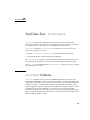
Chapter 39
Virtual Memory Test (vmem)
359