1
INTREPID User Manual
Library | Help | Top
Tools—menu guide (R03)
3
| Back |
Editing your data—Spreadsheet, Profile, Flight Path editors
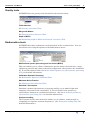
INTREPID has three tools for directly editing datasets—the Spreadsheet, the Profile
Editor and the Flight Path Editor. You can launch these tools using options from the
Editors menu. You can also launch a text editor from the Editors menu for modifying
or creating auxiliary files.
Spreadsheet Editor
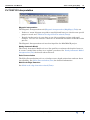
The Spreadsheet tool enables you to edit datasets in a spreadsheet-type editor.
(Spreadsheet Editor (T15) for detailed information).
Profile Editor
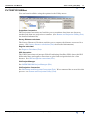
The Profile Editor tool enables you to edit your line data graphically on a time
(fiducial) basis. (See Profile Editor (T17) for detailed information).
Flight Path Editor
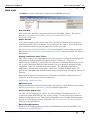
The Flight Path Editor tool enables you to
•
Visualise datasets by displaying their contents in various ways.
•
Edit a line dataset graphically on a geographical basis.
See Flight Path Editor (T19) for detailed information.
Clip Line Tool
See Clip lines (T20).
Library | Help | Top
© 2012 Intrepid Geophysics
| Back |