1
Chapter
8
Maintain Nonvolatile Memory
Introduction
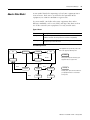
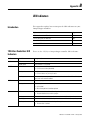
This chapter explains how to maintain nonvolatile memory.
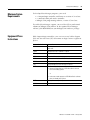
Topic
Page
Prevent a Major Fault During a Load
92
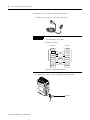
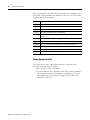
Use a CompactFlash Reader
92
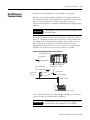
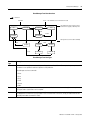
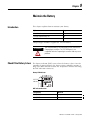
CompactLogix controllers support the 1784-CF64 CompactFlash card
for nonvolatile memory. If the controller loses power and lacks
sufficient battery capacity, it loses the project in user memory.
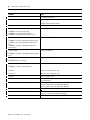
Nonvolatile memory lets you keep a copy of your project on the
controller. The controller does not need power to keep this copy.
You can load the copy from nonvolatile memory to user memory of
the controller:
• every time power is applied.
• whenever there is no project in the controller and it turns on.
• any time via RSLogix 5000 programming software.
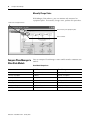
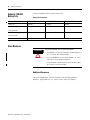
IMPORTANT
Nonvolatile memory stores the contents of the user memory
when you store the project.
• Changes made after you store the project are not reflected in
nonvolatile memory.
• If you change the project but do not store those changes, you
overwrite them when you load the project from nonvolatile
memory. If this occurs, you have to upload or download the
project to go online.
If you want to store changes such as online edits, tag values, or
a ControlNet network schedule, store the project again after
you make the changes.
91
Publication 1769-UM011F-EN-P - January 2007