1
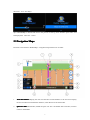
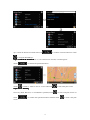
Step2: Touch “one touch to go
go”” button
KudosMap7+
KudosMap7+..
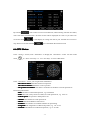
Tips
Tips:
1.
to enter route plan interface and navigate
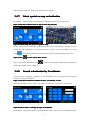
Display the direction and distance of the current map center point to the
current car icon. Touch to back to the current car icon interface immediately.
2.
Display the direction and distance of the current map center point to home.
Touch to back to home interface immediately.
Quick Search Entry
3.2
3.2Quick
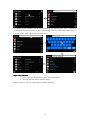
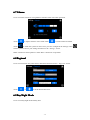
In free navigation, KudosMap7+ supports you in touching quick search button
to enter
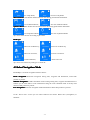
“Search Menu” screen. Set destination in different ways is as below(Please refer to Chapter3.4):
Go To Entry
3.3
3.3Go
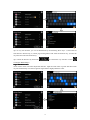
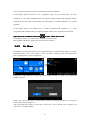
In free navigation, KudosMap7+ supports users in touching menu button
to enter “Main
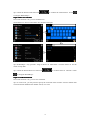
Menu” screen. Touch “Go To” to enter “Search Menu” screen. Set destination in different ways is
as below(Pleease refer to Chapter3.4):
10