1
S1700 Managed Series Ethernet Switches
Web User Manual
10 Network
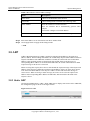
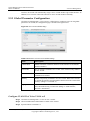
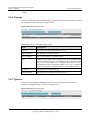
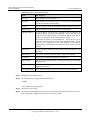
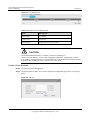
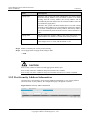
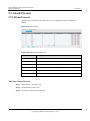
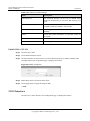
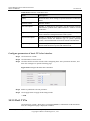
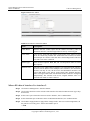
Item
Description
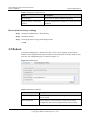
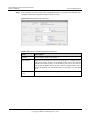
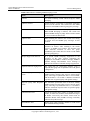
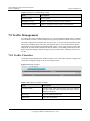
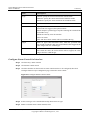
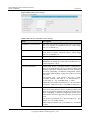
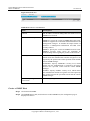
Engine ID
SNMP engine ID (must be 16 hexadecimal digits) is the unique
identifier used to identify SNMP V3, which is used to identify the
SNMP entity of switch on network.
Enable SNMP function
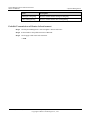
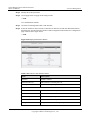
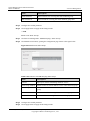
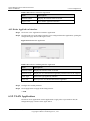
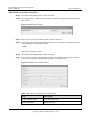
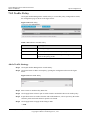
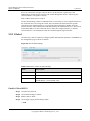
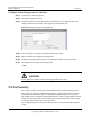
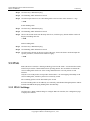
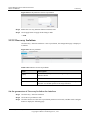
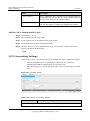
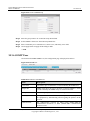
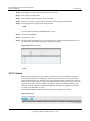
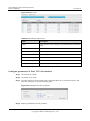
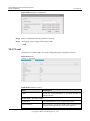
Step 1 Click Network > SNMP.
Step 2 Click SNMP Global Settings in Tab.
Step 3 Select the Enable in SNMP Status field to enable SNMP Global Settings.
Step 4 Click Apply button to apply all the changes made.
----End
10.1.2 View
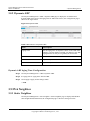
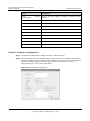
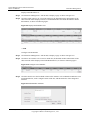
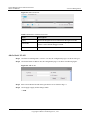
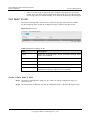
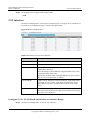
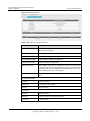
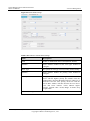
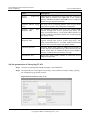
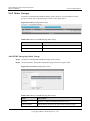
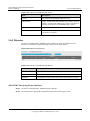
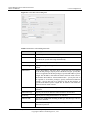
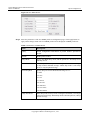
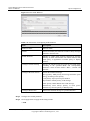
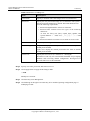
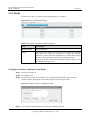
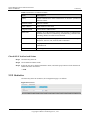
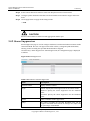
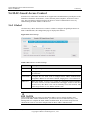
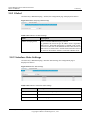
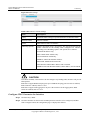
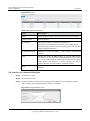
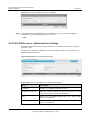
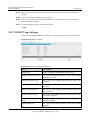
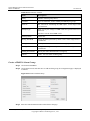
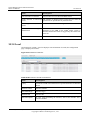
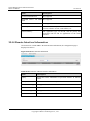
Click Network > SNMP > View to set the SNMP view information, the configuration page is
displayed as follows.
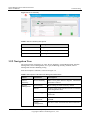
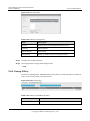
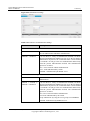
Figure 10-2 View
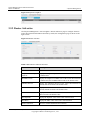
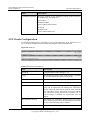
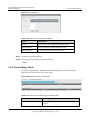
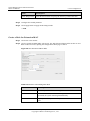
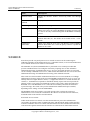
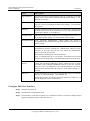
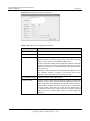
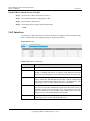
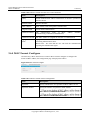
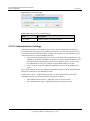
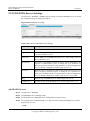
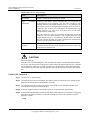
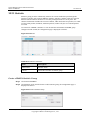
Table 10-2 Parameters of View
Item
Description
View Name
Up to 32 characters, used to define a SNMP view.
Subtree
The object identifier (OID) used to identify an object (MIB) tree. This
object tree can be accessed or denied by SNMP manager.
View Type
Included means the SNMP manager can access the object tree, while
Excluded means the SNMP manager cannot access this object tree.
Issue 05 (2012-10-25)
Huawei Proprietary and Confidential
Copyright © Huawei Technologies Co., Ltd.
177