1
S1700 Managed Series Ethernet Switches
Web User Manual
3 System Management
S1700 Managed Series Ethernet Switches
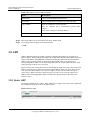
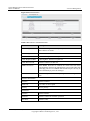
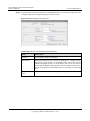
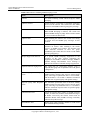
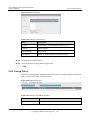
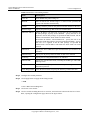
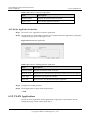
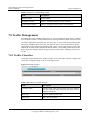
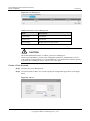
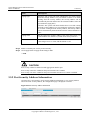
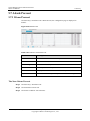
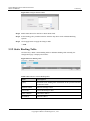
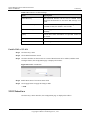
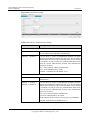
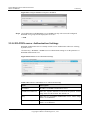
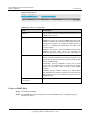
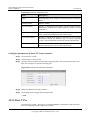
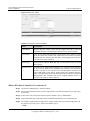
Table 3-7 Parameters of Management VLAN
Item
Description
VLAN ID
Configure Management VLAN identifier (2-4094) (the VLAN must
be firstly created on the switch).
List
Display all management VLANs of the switch. The default
management VLAN ID is 1.
CAUTION
Default management VLAN name of switch is Default.
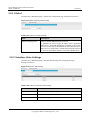
3.7.2 IPv4
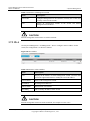
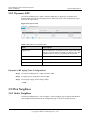
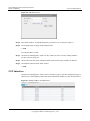
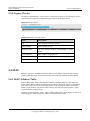
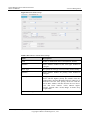
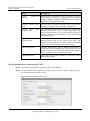
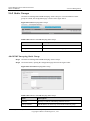
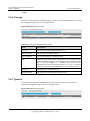
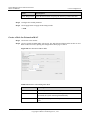
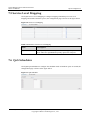
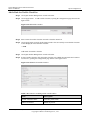
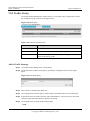
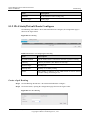
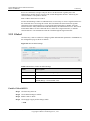
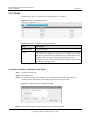
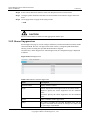
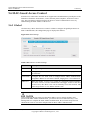
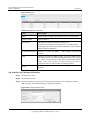
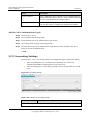
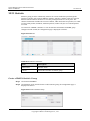
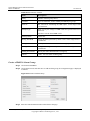
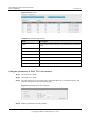
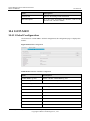
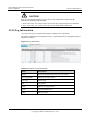
Click System Management > IP Management > IPv4 to configure an IPv4 address for the
switch, the configuration is as shown as follows.
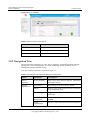
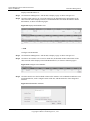
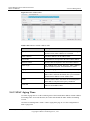
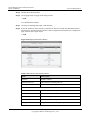
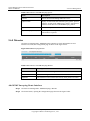
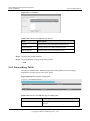
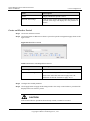
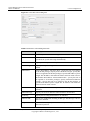
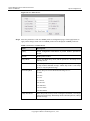
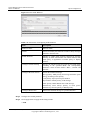
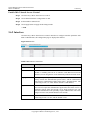
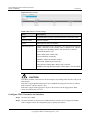
Figure 3-8 IPv4 Address
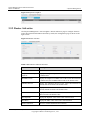
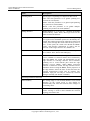
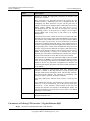
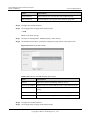
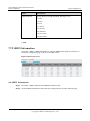
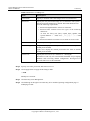
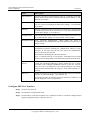
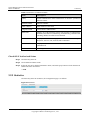
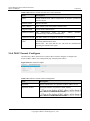
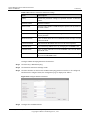
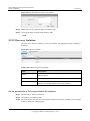
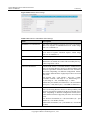
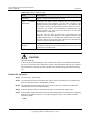
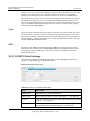
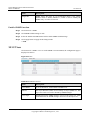
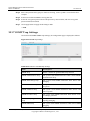
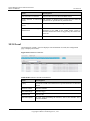
Table 3-8 Parameters of IPv4 Address
Item
Description
List
Display the IP address of switch management VLAN. Click the Edit
icon in the right-hand column to modify the VLAN IP address.
VLAN Name
Name of the management VLAN.
IP Address
IP management addresses.
Subnet Mask
Subnet mask of IP address.
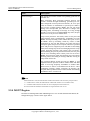
Secondary
The secondary IP address of the switch.
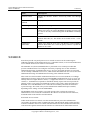
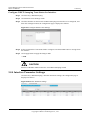
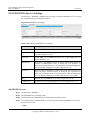
CAUTION
Default management VLAN of switch is Default, for example 192.168.1.253.
Issue 05 (2012-10-25)
Huawei Proprietary and Confidential
Copyright © Huawei Technologies Co., Ltd.
18