1
Word 2007 for Experienced Users
The University of Akron
Exercise 3
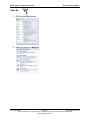
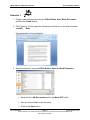
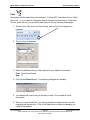
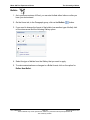
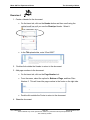
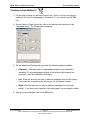
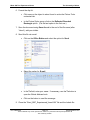
1. Remove the Open tool from the Quick Access Toolbar.
•
Right click over the tool.
•
Select the option for Remove from Quick Access Toolbar.
2. Go to the end of the document by using the keyboard command of Ctrl + End.
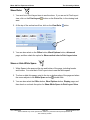
3. On a new line (press the Enter key) do the following:
•
Enter the text, “3 Things that I have learned about Word 2007:”
•
Press the Enter key.
•
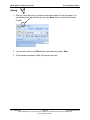
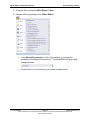
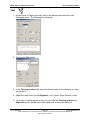
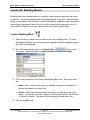
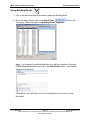
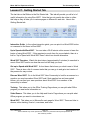
Use the Bullets Gallery to select a square bullet.
•
After the bullet is inserted, add the following text, “The Ribbon cannot be
customized.”
•
Press the Enter key.
•
Another bullet is inserted. Add the following text, “When opening a Word
2003 file, the document will be in Compatibility Mode.”
Ver. 2008.04.09
Page 40
[email protected]
These materials may not be reproduced in whole or in part without the express permission of
The University of Akron.