1
GoToMyPC® User Guide
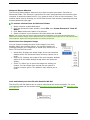
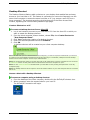
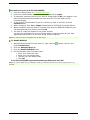
Repeat a Recent File Sync
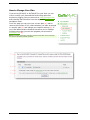
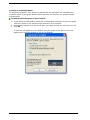
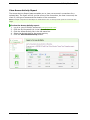
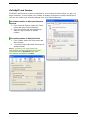
Select the Repeat a Recent File Sync shortcut to save the step of navigating to the
individual folders on your host and client computer. This feature displays a selectable list of
the last three syncs for quick execution.
To repeat a recent file sync
1.
2.
3.
4.
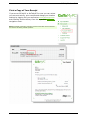
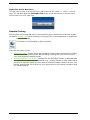
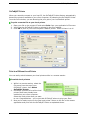
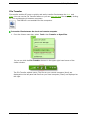
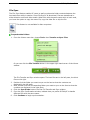
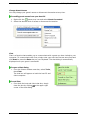
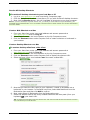
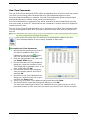
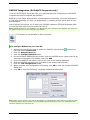
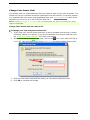
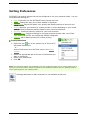
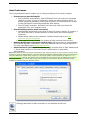
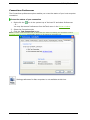
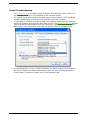
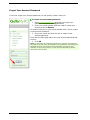
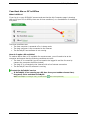
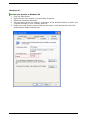
From the Viewer menu bar, choose Tools and then Repeat a Recent File Sync.
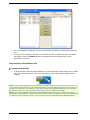
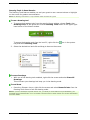
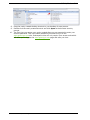
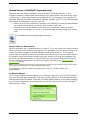
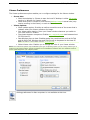
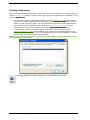
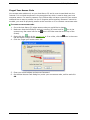
Select a folder pair from one of the three most recent file syncs.
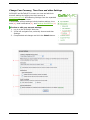
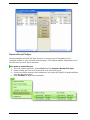
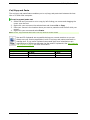
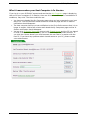
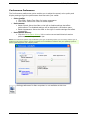
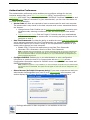
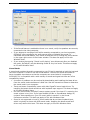
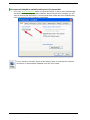
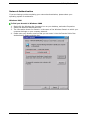
Confirm the folder locations and indicate how you prefer GoToMyPC to handle different
files with the same name.
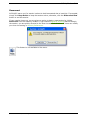
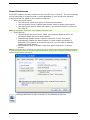
Click Continue to begin synchronization.
© 2009 Citrix Online, LLC. All rights reserved.
44