1
V3.25 Addendum Manual
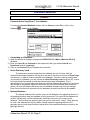
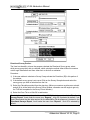
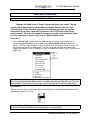
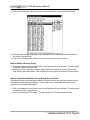
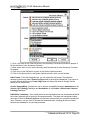
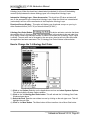
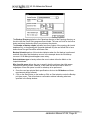
5.) Click on the new Survey point you wish to start with and then click on the Select Button.
6.) This will place survey points depth in the top depth field the Survey Group ID selected into
the Survey Group ID field.
7.) Click on the Change button and the new Survey point will be place in the list.
How to Delete a Survey Group
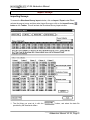
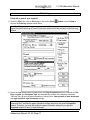
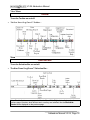
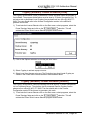
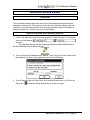
1.) Click on the Master Survey Group button in the Directional Survey Window. This will activate
the Master Survey Group Window.
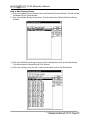
2.) Highlight or Click on the Survey points Start depth and Group ID you wish to Delete and
then click on the Delete Button. This will delete the survey point and Groups ID from the list.
How to Calculate the Master Survey Group Survey Points
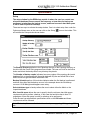
If the Master Survey group has been altered in any way and the user exits the window they will
be prompted with a calculation window. The user will have to recalculate the master survey
group for your changes to take affect.
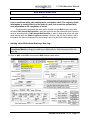
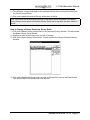
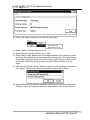
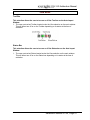
1.) Click on the Master Survey Group button in the Directional Survey Window. This will activate
the Master Survey Group Window.
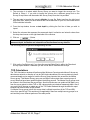
2.) Click on the Calculate TVD Button. This will activate the TVD Calculations window.
Addendum Manual V3.25, Page 24