1
V 3.25 Addendum Manual
Automated Backup Module
Overview
The Auto Backup module allows the user to have their database backuped while the
database is connected to. This will prove useful when the database is being used and
updated on a continual basis and the normal backup procedure when the database is
being connected to is not being used on a continual basis.
How to Start the Auto Backup Module
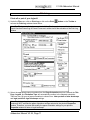
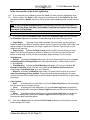
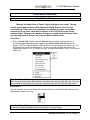
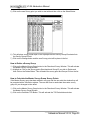
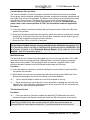
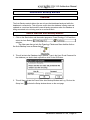
1. Click on the Start button and then select programs, Power*Geology V3.25 and then
select the Auto Backup
selection
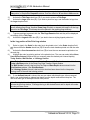
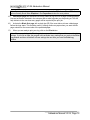
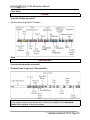
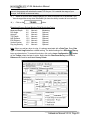
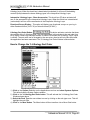
The User can also go into the Pgeology Folder and then double click on
the Auto Backup Icon as shown below:
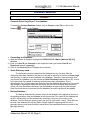
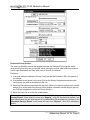
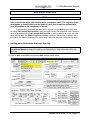
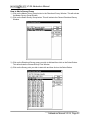
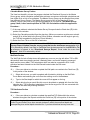
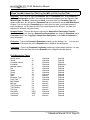
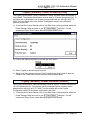
2. This will activate the Database Login Window. Type in the User ID and Password for
the database you wish to back up and then click on the OK Button.
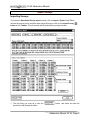
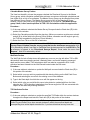
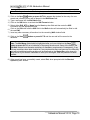
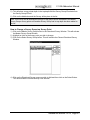
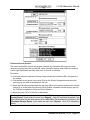
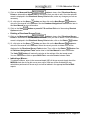
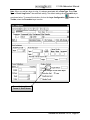
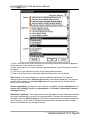
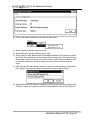
3. This will then activate the Power*Suite Auto Backup Window and Log. Click on the
Setup Icon
activate the Setup window shown on the next page.
Addendum Manual V3.25, Page 47