1
Chapter 4. Decoder Options
Logs Page
LOGS PAGE
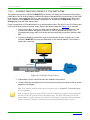
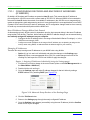
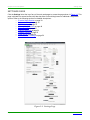
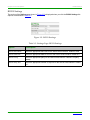
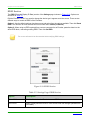
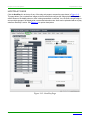
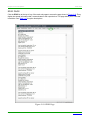
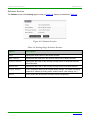
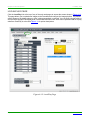
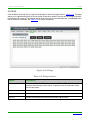
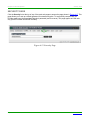
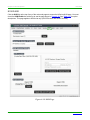
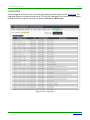
Click the Logs link at the top of any of the main web pages to access the page shown in Figure 4-20. The
Logs page displays a command log that lists all TCP and UDP messages the unit receives. It also displays
the web browser’s IP address and gives you options to Refresh and Reset Logs.
Figure 4-20. Logs Page
Page 104
N2000 Series User Manual
www.svsiav.com