1
18
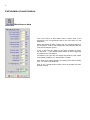
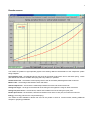
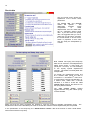
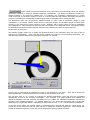
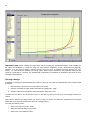
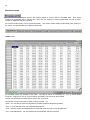
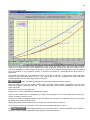
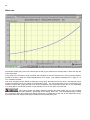
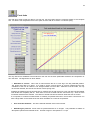
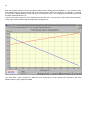
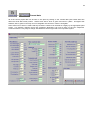
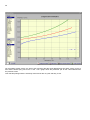
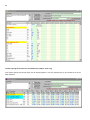
On entry to this screen we see a table and graph of the unmodified layout, the characteristic chosen for
comparison is the normalized value of the wheel rate, this allows comparison between different layouts and bike
models, on an equal footing. In this example the “Goal rate” was entered manually to request a design with a
total of 25% progression, not a lot for a rocker system but quite high for this simple design, which achieved 16%.
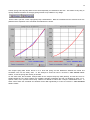
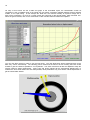
When the goal is entered, click on the “Goal search” button and the achieved values will be plotted.
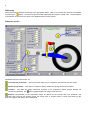
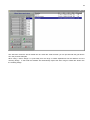
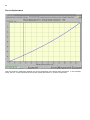
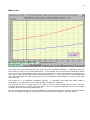
You can now either Cancel or elect to use the new layout. The new dimensions will be transferred back to the
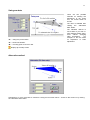
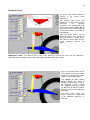
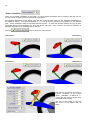
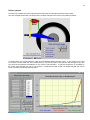
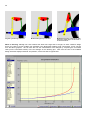
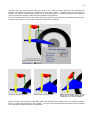
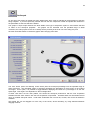
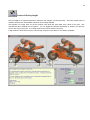
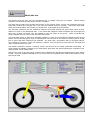
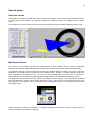
data entry screen automatically. The following picture shows how the frame to shock mounting has been moved
forward to give the closest fit possible to our requirement. The shock movement will also be adjusted to keep the
original maximum wheel displacement. Spring rate and spring preload will be automatically adjusted also, to
maintain the same initial wheel rate and wheel preload, these parameters may need further manual adjustment to
get the overall effect desired.