1
Hiring Coordinator User Guide
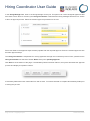
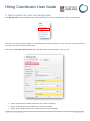
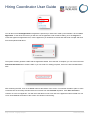
If you add optional tasks, you can communicate with the new employee by clicking on the email link at the top left of
the page.
Again you can modify the content of the email and press send.
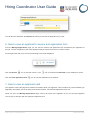
20. How to close a job
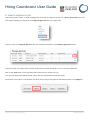
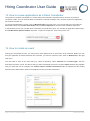
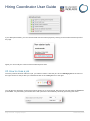
Once the position has been filled for a job, you will then need to close the job. Click on Manage jobs in the menu to
the right. Search for the job that you created and click on the close job icon to the right.
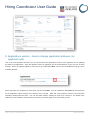
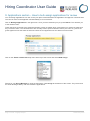
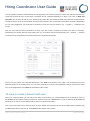
You will then be directed to a new screen which allows you to close the job. Move the job into the status of Filled and
press Save. Any advertising channels that are still open will be automatically closed by performing this action.
Page 19 of 25 – PageUp People
19 February 2014