1
Hiring Coordinator User Guide
1. How to create a job
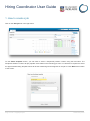
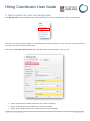
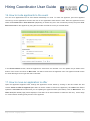
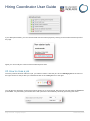
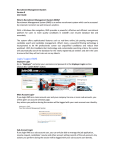
Click on the New job link in the right menu.
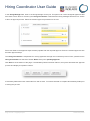
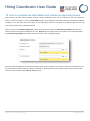
On the Select template screen, you will need to select a Peoplesoft position number using the binoculars. The
Peoplesoft Position number will pre-populate some fields on the following job card. You will also be required to select
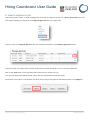
an approved advertising template which will be the advertising text that appears in the job ad. Click Next at the bottom
of the screen.
Page 3 of 25 – PageUp People
19 February 2014