1
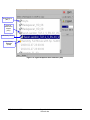
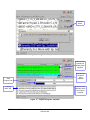
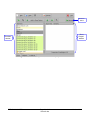
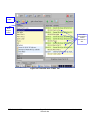
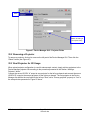
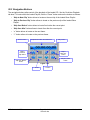
Delete
Button
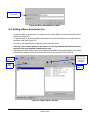
New Trigger
Cue created
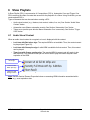
“Connect to an
event” button
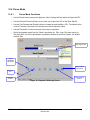
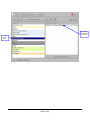
Figure 62: Trigger Cue Defined
12.4 Connecting a Trigger Cue to an Event
12.4.1
Connecting a Trigger Cue to a GPI event
•
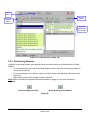
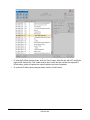
Click the “Connect to an event” button.
•
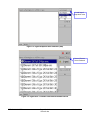
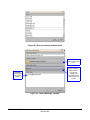
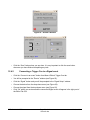
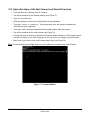
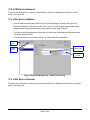
You will be prompted to the “Choose the event to add” window (see Figure 63).
•
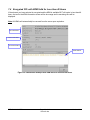
Click the “General Purpose Input” button.
•
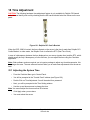
Define the “Line” number using the plus and minus buttons (see Figure 64).
•
Define the “Value” by choosing On or Off.
•
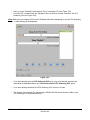
Click “Ok” when you are done and the connected GPI event will then appear in the right part of
the Editor Tab GUI.
DPT.OM.001128.DRM
Page 51 of 101
Doremi Labs
Version 1.2