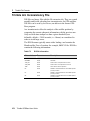
1
Instruments: Data Input
6
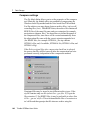
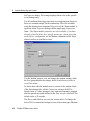
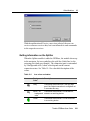
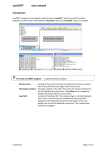
Settings on the Antenna page
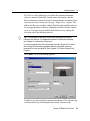
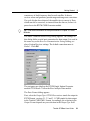
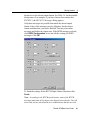
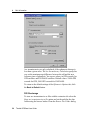
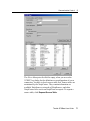
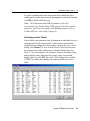
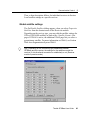
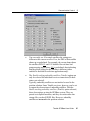
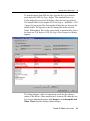
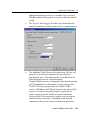
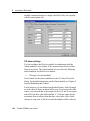
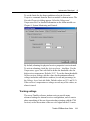
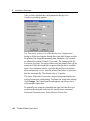
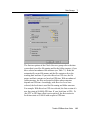
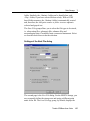
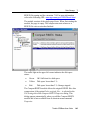
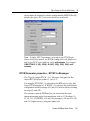
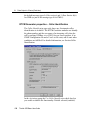
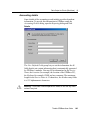
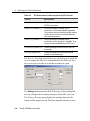
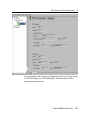
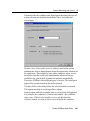
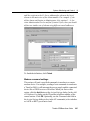
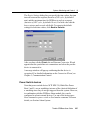
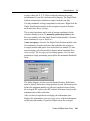
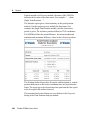
Antenna information is to be set and found on the Antenna page of
the receiver properties. All selections on this page depend on an
antenna information file, the antenna.ini file. For detailed information
on the use of antenna.ini and on antenna phase corrections, see
Appendix C.
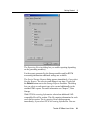
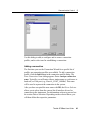
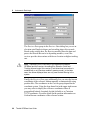
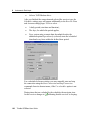
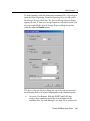
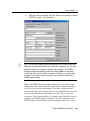
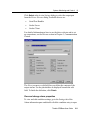
The Selection group lets you edit antenna type information. Select
Trimble from the Manufacturer field, and then select an antenna type
from the Type field. The selection offered depends on the
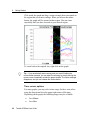
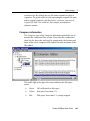
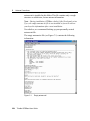
manufacturer chosen. For the selected antenna, a bitmap is displayed
that may give you the geometrical relations for eccentricity values.
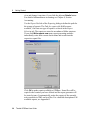
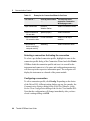
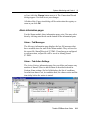
Antenna eccentricities are defined by the settings in the Height group.
Edit the Height offset and select the location on the antenna, where
the antenna height is measured to. The selection offered depends on
the antenna type.
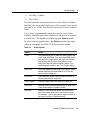
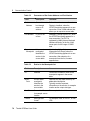
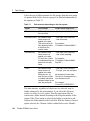
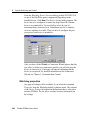
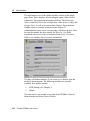
Currently, three antenna models are available:
•
Default Trimble Calibration
•
US National Geodetic Survey
•
Institute for Geodesy Absolute Calibration
Trimble GPSBase User Guide
97